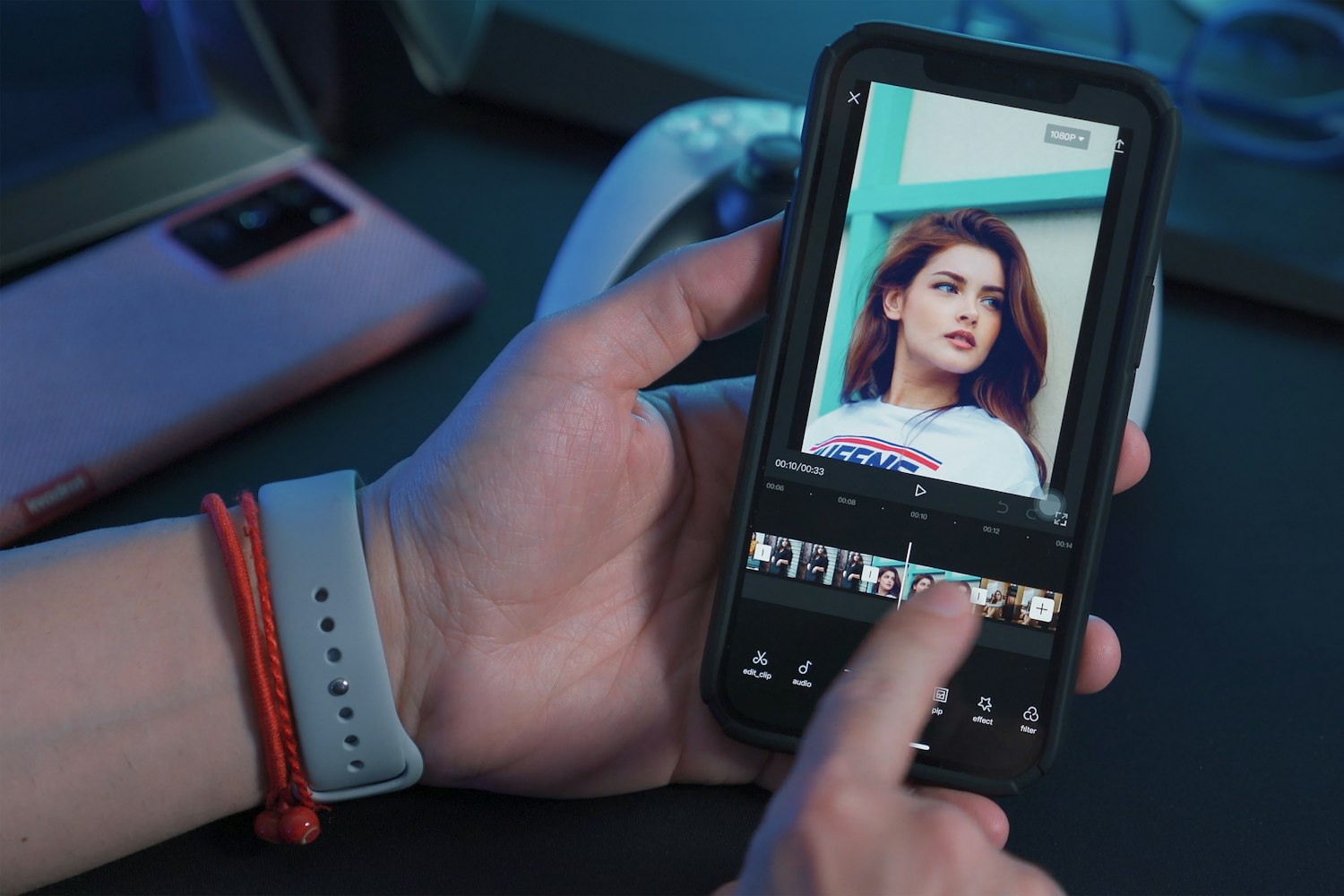
The big idea
In short-form video, the first seconds decide everything. Plan the hook, keep one idea, and tell a story people want to finish.
Topic soundtrack
Hook Line
Every song here hooks you in the first few seconds. Your videos should too.
In 60 seconds
- The first one to three seconds decide whether anyone stays, so plan the hook first.
- Build every video in four parts: hook, value, payoff and one call to action.
- Keep one idea and one feeling, and add captions so the video works with the sound off.
Do this: make your team’s 55 to 65 second 1-Minute Brand Story Video, shot on phones, with captions throughout and a clear next step.
Slides
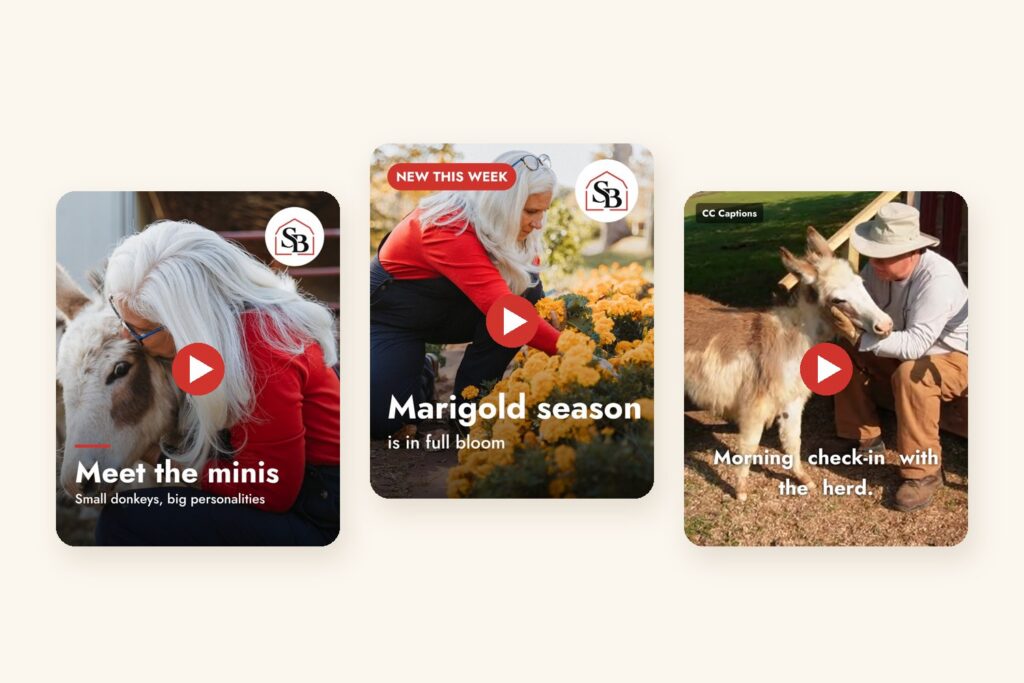
How short-form video works
The first seconds decide who stays.
In short-form video, the first seconds decide whether anyone stays. Plan the hook, keep one idea, and build a short story people want to finish.
The four-part structure
Hook, value, payoff, then one clear ask.
Every part of the screen has a job, from the first frame to the last tap.
See it in the wild
Scrub Daddy’s videos follow the four parts.
Scrub Daddy, the smiley-face sponge from Shark Tank, is a regular on TikTok.
HookA gross, greasy pan or a stained surface in the first second.
Value and payoffThe sponge scrubs it clean, and the before-and-after lands.
One askShop the link, or tell us what to clean next.
Stock photo, not a Scrub Daddy product.
Start with one feeling
Emotion is not a side effect of good video. It is the engine of engagement.
Before you write a word, decide what you want your audience to feel. Think about your last impulse purchase: was it logic or emotion that closed the deal?
Seven hook types
Seven ways to open. What does each one do?
Read the opening line, guess what it does to the viewer, then tap.
Question“Ever wonder why your engagement dropped overnight?”
Shock“This one mistake is costing you money.”
Story“Last week, I tried something crazy…”
Challenge“Can you do this in 10 seconds?”
FactA real, verified statistic about the viewer’s problem.
Before and afterShow the transformation first.
Pain pointName the frustration the viewer feels right now.
How to write a strong hook
Make them curious in under 5 seconds.
- Create a curiosity gap: open with a relatable problem or an intriguing question.
- Preview the payoff: hint at the value, entertainment or insight the viewer will get.
- Keep it under 5 seconds when spoken. Get to the point before thumbs start scrolling.
- Stay conversational: sound like you are talking to a friend, not reading a textbook.
- Know the audience: speak to the problems your target customer actually has.
- Stay on brand: match the brand’s voice and be creative within its guidelines.
How to write a strong hook: seven hook types
| Hook type | Example opening | What it does |
|---|---|---|
| Question | “Ever wonder why your engagement dropped overnight?” | Sparks curiosity |
| Shock or warning | “This one mistake is costing you money.” | Creates urgency |
| Story | “Last week, I tried something crazy…” | Pulls viewers into a narrative |
| Challenge | “Can you do this in 10 seconds?” | Invites interaction |
| Surprising fact | A real, verified statistic about the viewer’s problem | Stops the scroll with new information |
| Before and after | Show the transformation first | Promises a visible result |
| Pain point | Name the frustration the viewer feels right now | Signals “this is for you” |
Lead with the benefit, not the announcement
A strong hook talks about the viewer.
A weak hook talks about the brand. A strong hook talks about the viewer.
Weak
“Today, we’re excited to announce our new eco-friendly cleaning product and share details about its sustainable features.”
Why: all about the company. No customer benefit, no curiosity, no urgency.
Strong
“Stop scrubbing. This plant-based cleaner cuts through grime in seconds. Here’s how.”
Why: names a pain point, promises a clear benefit, and sets up a how-to that viewers want to finish.
Watch the hook
“Hello, ladies.” Two words and you’re in.
Old Spice, 2010. Watch the first three seconds, then watch how fast the scene keeps changing.
- Hook type: direct address. He talks to the viewer, not about the product.
- Pace: the set changes every few seconds with no cut you notice.
- Job: entertain first. The brand rides along with the joke.
Video: Old Spice on YouTube
Watch the hook
A raw egg and a mattress. You have to see what happens.
Purple turned a weird test into its signature ad. The hook is a question your brain wants answered.
- Hook type: surprising visual. You stay to see if the egg breaks.
- Proof: the demo shows the benefit instead of claiming it.
- Job: convince, with a little entertain.
Video: Purple on YouTube
Watch the hook
No words at all. A story hooks you anyway.
Volkswagen, “The Force,” 2011. A kid in a Darth Vader costume tries to use the Force on everything in the house.
- Hook type: story. A character wants something, and you want to see if he gets it.
- Sound: music and sound effects carry the whole story. Not one line of dialogue.
- Job: entertain and inspire. The car shows up as the payoff, not the opening.
Video: Volkswagen ad, via Estadão on YouTube
Plan it, caption it, cut it
Plan before you film. Cut before you post.
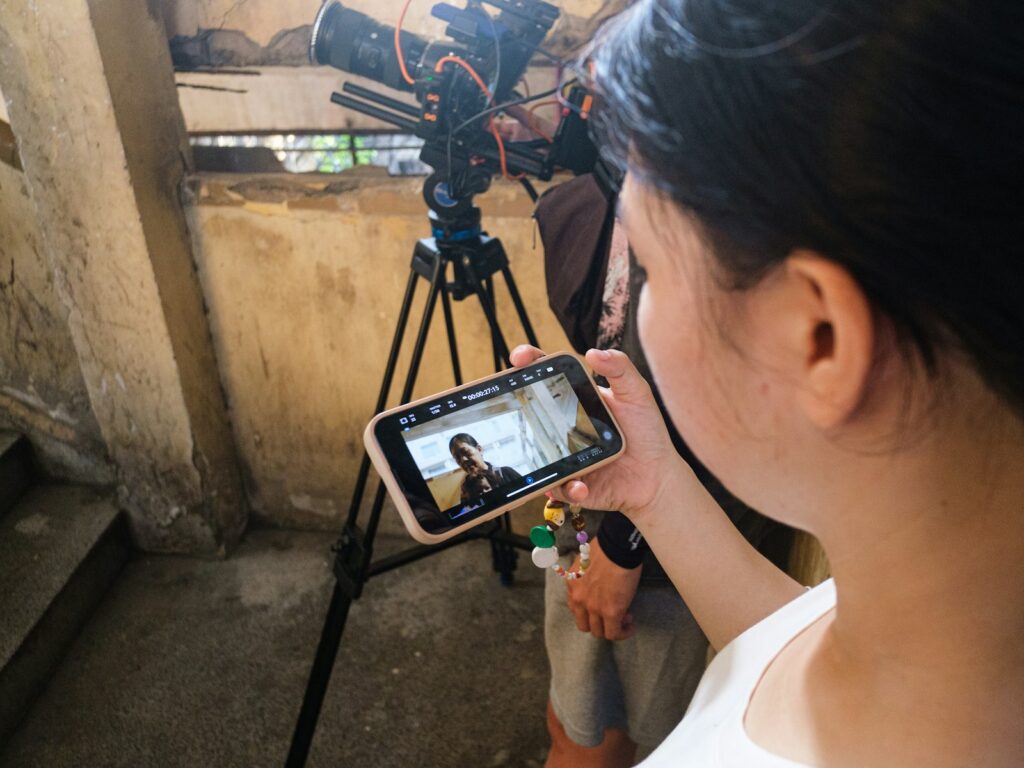
See it in the wild
The Washington Post scripts its TikToks.
The Post’s TikTok became famous for short, funny skits that explain the news.
Plan itEach video starts with a short script and a simple shot list.
Caption itOn-screen captions carry the joke for people watching with the sound off.
Cut itTight edits, usually under a minute, with nothing extra.
Script golden rules
Read it aloud. If it sounds stiff, rewrite it.
- Short, punchy sentences. No jargon or filler.
- Let visuals carry part of the message.
- End with one action.
- AI can help draft a script, but your own conversational voice is what makes it connect.
Casual or professional?
Casual wins on social. Polished video needs a purpose.
Casual, shot on a phone
- Fast and cheap, so you can make a lot and test.
- Looks native in the feed, like a friend posted it.
- Best for: Reels, TikToks, Stories, behind the scenes, how-tos.
Professional production
- Crew, gear, locations and editors. It costs real money and time.
- Worth it when the video has a long life and a big job.
- Best for: a brand film, a launch ad, a website hero video, TV or streaming.
Talk like a video team
Twelve words every marketer should know.
Beat
One small moment in the story, a few seconds long. A 60-second video is about six.
A-roll
The main footage that carries the story.
B-roll
Extra shots laid over it: hands, product, place, details.
Voiceover (VO)
Narration recorded separately and played over B-roll.
Talking head
One person speaking to the camera. Skip it for your brand video.
Jump cut
A quick cut that removes pauses and keeps the pace up.
Cutaway
A B-roll shot that covers a cut or shows what is being said.
9:16 + safe zone
The vertical frame, and the middle area app buttons won’t cover.
Captions
Words on screen for people watching with the sound off.
Trending audio
A popular sound the app may help push.
Rough cut
The first full assembly, before the polish.
End card
The last frame: your logo and one clear ask.
How to lay a video down
Build it in layers, not all at once.
- 1Lay the spineDrop in your voiceover first. It sets the story and the timing.
- 2Cut it tightTrim the pauses, ums and repeats. Most first cuts lose a third of their length.
- 3Cover with B-rollLay shots over the spine wherever words describe something you can show.
- 4Add wordsCaptions on everything, plus a text hook in the first second, inside the safe zone.
- 5Sound and exportMusic low under the voice, then export 9:16 and watch it once on a phone, sound off.
Watch it done
From B-roll to voiceover to captions, on a phone.
Creator Vanessa Lau walks through a casual voiceover Reel start to finish. Use the chapters: film B-roll, record voiceover, edit, add captions, export.
Video: Vanessa Lau on YouTube. Want the tool basics? CapCut 101: music, sounds and voiceover (4 min, from CapCut).
Pick your tool
Use the tool that fits the job, not the fanciest one.
- Adobe Premiere Pro: the industry standard, and it comes with your UT Adobe account. Worth learning if you want a creative job.
- CapCut: fast on a phone or laptop, with auto-captions, templates and easy B-roll overlays.
- Instagram Edits: Instagram’s free editing app (launched April 2025), with captions, trending audio and no watermark.
- Canva video: templates and your team’s brand kit in one place. Great for text-heavy and branded clips.
- AI helpers: Runway can generate or extend short clips. Claude can draft scripts and shot lists and help with simple cuts. Premiere and CapCut can caption for you.
AI video, honestly assessed
AI video has come far. It is not a shortcut yet.
Tools like Runway, Google Veo and Kling can turn a prompt or a photo into a short clip. Even the big names are still finding their footing: In March 2026, OpenAI announced it was shutting down its Sora video app, about six months after the app launched.
Where AI helps now
- Short B-roll ideas, backgrounds and mood shots
- Auto-captions, removing silences, cleaning up audio
- Drafting scripts, hooks and shot lists
Where it still slips
- Clips are short, often around 5 to 15 seconds
- Keeping your product or person identical shot to shot
- Logos, labels and hands can look off, and people notice
Source on Sora: Engadget, March 24, 2026. If you use AI footage, say so, and check each platform’s AI-label rules.
What makes a good brand video
Voice, music, cuts and a reason to watch.
- Voice: a voiceover, or voices in the scene, carries the story. No talking heads.
- Music: sits low under the voice and sets the mood.
- Cuts: a new shot every 2 to 3 seconds keeps eyes moving.
- A reason to watch: every piece of content should do at least one of four jobs: entertain, inspire, educate or convince. The best videos do two at once, like a funny how-to.
- One idea: a viewer can say it back to you in one sentence.
- Thoughtful: every shot earns its place. Show it, don’t just say it.
- On brand the whole way: your colors, props and tone throughout, not just a logo at the end.
The four jobs come from the Content Marketing Matrix by Smart Insights. If your video does none of them, cut it and make something else.
Do this, not that
Good form for social video.
Not that
- Opening on your logo or “Hi guys, so today…”
- A talking head reading a script to the camera
- Filming horizontal and cropping later
- Shaky shots in dim light with the mic across the room
- No captions, or text hidden under the app buttons
- Music louder than the voice, or a track you don’t have rights to
- Ending with five asks
Do this
- Hook in the first second with motion, a face or a question
- Shoot vertical, 9:16, steady, near a window
- Get close to the mic, or record the voiceover separately
- Caption everything, inside the safe zone
- Cut every pause; a new shot every 2 to 3 seconds
- End with one clear ask
Quick check
Be the editor. What would you fix?
Sweet Crumb Bakery made four short videos. Spot the problem in each, then check your answers.
- 1The video opens on the bakery logo for four seconds before you see the cake.
- 2The last frame says “Follow us, comment, share and visit our site!”
- 3The whole story lives in the voiceover. With the sound off, it is just a person talking.
- 4The script says “Our bakery leverages artisanal processes to deliver premium baked solutions.”
Check your answers
- The hook. Lead with motion or a surprising visual in the first one to three seconds, like the knife slicing into the cake.
- The call to action. Pick one: follow, comment, share, save or visit.
- The payoff. Add captions and on-screen text so it works with the sound off.
- The script. Read it aloud. It sounds stiff, so rewrite it in short, punchy sentences, like you are talking to a friend.
Sweet Crumb Bakery is an invented brand.
Plan before you film
A storyboard is your video on paper.
A storyboard is a row of frames, one per beat (one small moment in the story), showing what we see, what we hear and how long it lasts. Ad agencies and film crews use one on every shoot, because changing a sketch is free and reshooting is not.
- The shot: a quick sketch or test photo. Note close-up or wide.
- The words: the on-screen text and the voiceover line for that beat.
- The sound: music, a sound effect or silence.
- The seconds: how long the beat lasts. Add them up before you shoot.
- Stick figures are fine. A storyboard is a plan, not art.
Storyboard a 60-second video
Six beats get you to about a minute.
A beat is one small moment in your story, the way a song moves from verse to chorus. Each beat gets one frame on your storyboard, and each beat is built from several quick shots of 2 to 3 seconds.
- 1Hook, 0 to 3 sMotion, a question or a surprise. Example: a match strikes in a dark dorm room.
- 2Set the scene, about 10 sWho and where. Example: a student drags in after a long day.
- 3The problem, about 10 sWhat feels off. Example: the room feels like a hallway.
- 4Brand in use, about 15 sFive shots of the product moment. Example: the candle, lit.
- 5The payoff, about 15 sLife with the brand. Example: friends pile in; it feels like home.
- 6One ask, about 5 sOne action, then your logo. Example: “Find your scent. Link in bio.”

Storyboard example: shot by shot
Even 20 seconds needs a story arc.
Even a 20-second video needs a mini story arc: a hook that grabs attention, a middle that shows the emotion, problem or information, and an end with the payoff or call to action.
- Hook: steaming cup in soft morning light.
- Payoff: a person sips and closes their eyes.
- CTA: logo with a short text overlay.
Storyboard example: a three-frame story arc for a coffee brand
This sample is for a coffee brand aimed at busy coffee lovers on Instagram and TikTok. Key message: pure satisfaction, perfect start.
| Frame | Shot | What we see | Sound |
|---|---|---|---|
| 1. Hook | Close-up (CU), slow zoom | Steaming cup in soft morning light | Gentle music, birdsong, a sense of anticipation |
| 2. Payoff | Medium shot (MS) | A person sips and closes their eyes in satisfaction | A contented sigh, music swells |
| 3. CTA | Close-up on the package | Logo with a short text overlay | Upbeat music and a one-line voiceover with the brand name and promise |
Real brands in action
See it in real brands.
Each case study shows these ideas at work. Open one to read the full story.
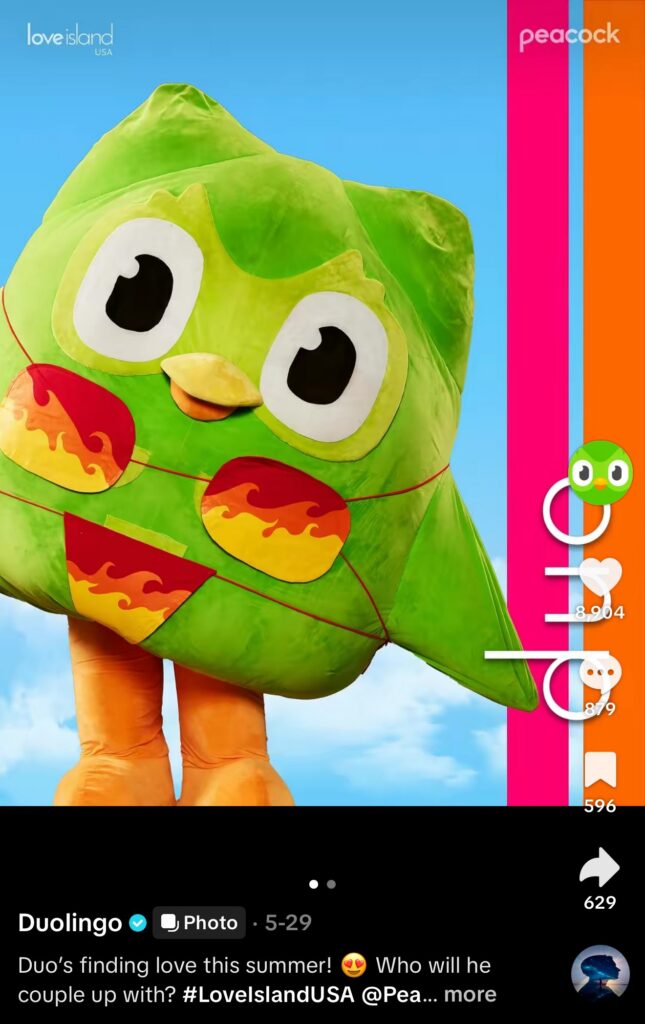
Duolingo: a mascot made for TikTok
Duolingo turned its green owl into a character with a consistent, irreverent personality and made short videos that look like they belong on TikTok, and that personality became one of its biggest marketing assets.
The lesson: Make video that looks native to the platform, with a personality people want to share.
Image courtesy of Duolingo
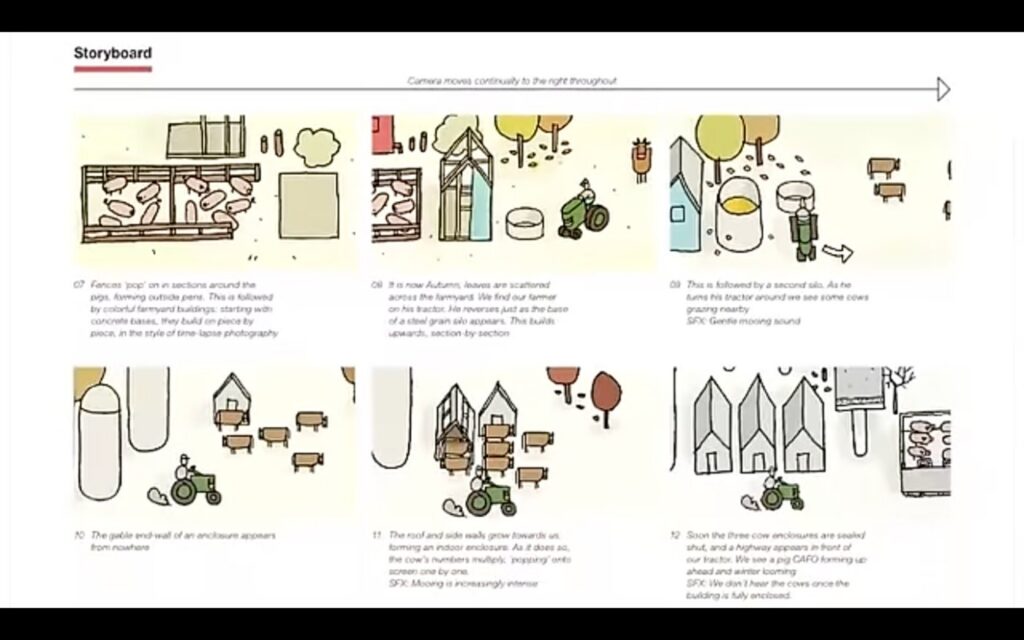
Chipotle: Back to the Start: A Two-Minute Story Instead of a Sales Pitch
Chipotle’s 2011 animated short sold a belief about food, not a burrito, and showed that one simple story with one clear emotion can carry a brand message.
The lesson: One clear emotion and a simple story can carry a brand message better than a product pitch.
Image courtesy of Chipotle
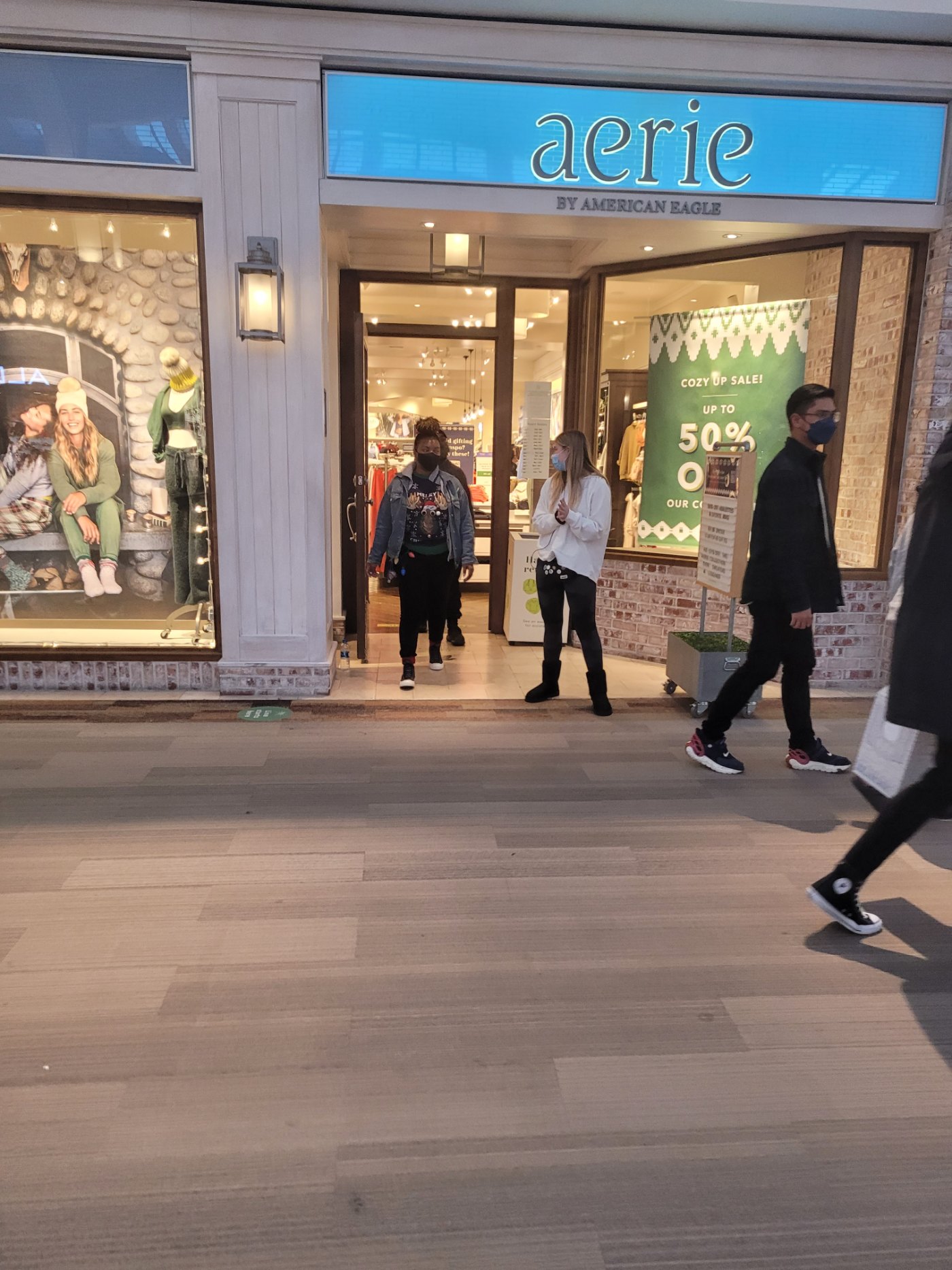
Aerie: one feeling, proven in every frame
Aerie picked one feeling it wanted people to have, confidence over perfection, and backed it with a visible rule, no retouching, which gives every photo and video built-in proof.
The lesson: Decide the one feeling you want viewers to have, and let the footage prove it.
Photo: Curlyrnd (CC BY-SA 4.0), via Wikimedia Commons. Brand: Aerie

Brand images are shown for educational purposes only. Each image and trademark belongs to the brand credited.
This or that
Hook or scroll?
Pick the video choice that wins the first seconds, keeps one idea and ends with one clear ask.
Try it
Interactive tool · practice it
Tool · MARK 475
Storyboard Lab: a 60-second brand video
Plan a 60-second social video for BREW, a made-up canned cold brew. Pick a shot for each of the six beats, then choose the voiceover, music and captions. The checks and the storyboard update as you go. It works just like the storyboard your team builds on Storyboard Day.
Sound and words
Needs work
The storyboard
Do it
Class work for this topic. The in-class activity counts toward participation, and you get feedback on it.
In-class group activity
Storyboard Day
Your group plans your 1-Minute Brand Story Video for the Nov 2 shoot: a hook, a six-beat storyboard of about 60 seconds, a shot list, stand-in props for your imaginary product and a job for everyone. A 35-minute group activity. Each case study below has its own group activity too. Dr. Morris gives the password in class.
Put it to work: 1-Minute Brand Story Video
Your team makes one video, 55 to 65 seconds long, that tells your imaginary brand’s story. You shoot it on phones in class and edit it in any editor (CapCut, Canva Video, Premiere or iMovie). It must hook the viewer fast, show the product in a real setting, carry captions throughout and end with a clear next step.
Build it in five steps
Write the hook first
Something must happen in the first 3 seconds that would stop a scroll. Open on motion, a face or a question. Save the logo for the end.
Your deliverable: one opening shot and 3 to 5 words of on-screen text that state the tension.
Fill the 60-second template
Copy the template below into a shared doc and fill in every row before the in-class shoot: who the brand is for, what it believes, the product in context, why it matters, and the call to action. The Storyboard Lab helps you test beats and pacing, but its sample runs short.
Your deliverable: a complete script and shot table, with the voiceover read aloud against a timer. If it runs long, cut words, not beats.
Plan the look and the shoot
Use your identity board and your edited brand photos as the style guide. See Photography for Marketing for lighting and composition, and Platform Adaptation for vertical framing and safe zones.
Your deliverable: one target platform, vertical 9:16 framing, and a role for every teammate.
Shoot more than you need
Take 2 to 3 takes of every shot, each held 3 to 5 seconds longer than you plan to use. Show the product being used in a real setting, not just held up to the camera.
Your deliverable: every row of the shot list ticked off by your script and continuity checker.
Cut, caption and score it
Build a rough cut in template order, trim to length, add captions from the first second to the last, and lay royalty-free music low under the voice.
Your deliverable: a vertical export at 1080 x 1920 that runs 55 to 65 seconds.
60-second script and shot templateSix beats with timing, shots, sound and on-screen text
| Time | Beat | What we see (shot) | What we hear (voice or sound) | On-screen text |
|---|---|---|---|---|
| 0 to 3 s | Hook | A close-up or surprising moment that starts mid-action | One short line or a sharp sound | 3 to 5 words that state the tension |
| 3 to 12 s | Who it’s for | Your person in their real moment or problem | Name the problem in their words | Caption of the voiceover |
| 12 to 25 s | What the brand believes | A turn: the brand enters, logo or packaging visible | The belief in one sentence | Caption, plus the brand name |
| 25 to 45 s | Product in context | 2 to 4 shots of the product being used in a real setting: wide, then close, then detail | What changes for the person | Caption, plus one key benefit |
| 45 to 55 s | Why it matters | The payoff: the person’s life after, a reaction or result | Why this matters to them | Caption |
| 55 to 60 s | Call to action | Logo and brand name on screen, held at least 2 seconds | One clear action: follow, visit, try, sign up | The CTA in words, plus handle or URL |
- Shoot vertical (9:16). Export at 1080 x 1920 for TikTok, Reels or Shorts. Pick one platform and frame for it so your platform intent is obvious.
- Split the roles on shoot day: director (keeps to the shot list), camera, talent, and a script and continuity checker who ticks off each shot.
Edit, caption and add musicLength, safe zones, cleared music and the brand check
- Rough cut first: lay shots on the timeline in template order, then trim until you land between 55 and 65 seconds. Check the length on the export, not just the timeline.
- Captions throughout: CapCut and Canva can generate captions from your audio. Proofread every line and fix brand names. If your editor does not auto-caption, add text by hand. Keep captions inside the safe zone, away from the bottom and right edge where app buttons sit.
- Music: use tracks that are cleared for reuse, not popular songs. Options include the music library inside your editor and the YouTube Audio Library. In the YouTube Audio Library, filter for “Attribution not required,” or if a track is marked Creative Commons, copy the required credit into your caption or end card.
- Mix: keep music low under any voice. A viewer with sound on should hear every word.
- Brand check: use your brand fonts and colors for captions and title text, and make sure the brand name appears on screen.
Before you submitNine checks for the final export
- [ ] Something happens in the first 3 seconds that would stop a scroll.
- [ ] A viewer can say who the brand is for, what it believes and why it matters after one watch.
- [ ] The product appears in use, in a real setting, not just held up to the camera.
- [ ] The video ends with one clear action, and the brand name and logo are on screen.
- [ ] It is obvious which platform this was made for (vertical framing, safe zones, native style).
- [ ] Captions run from the first second to the last and have no typos.
- [ ] The exported file is between 55 and 65 seconds.
- [ ] Shots are steady, in focus and well lit, and audio is clear.
- [ ] The music is royalty-free, and any required credit is included.
Go further
Optional, and worth it. Go past the in-class work: read a case, try the tool and earn this topic’s chip. Finish the chips across the course and you get a marketing funnel card you can post on LinkedIn to show your effort and skills.
 Hands-on topicShooting and Editing Marketing VideoReady to film? Shot lists, B-roll, framing, light and sound on a phone, voice-over and editing. Includes the Shot List Builder.Open the topic
From the blog
10 Video Effects in Canva That Look Like Viral Reels
Ten trend-style edits, from text behind the subject to beat-synced cuts, each with a real example.
Unlock this topic
Do the work, earn the chip
Finish each step on this page to unlock the button that adds this topic to your course card.
Back to all Marketing 475 topics
Frequently asked questions
Frequently asked questions
What is the structure of a short-form marketing video?
A short-form marketing video follows four parts: hook, value, payoff and call to action. The hook grabs attention in the first one to three seconds, the value shows one emotion, problem or idea, the payoff delivers what the hook promised, and the call to action tells viewers one thing to do next, such as follow, comment, share, save or visit.
How do you write a strong video hook?
A strong video hook leads with the viewer's benefit, not the brand's announcement. It creates a curiosity gap, previews the payoff, stays under 5 seconds when spoken and sounds conversational. Compare a weak hook, "Today, we're excited to announce our new eco-friendly cleaning product," with a strong one, "Stop scrubbing. This plant-based cleaner cuts through grime in seconds. Here's how."
What are the main types of video hooks?
Common video hook types include question, shock or warning, story, challenge, surprising fact, before and after, and pain point. A question sparks curiosity, a warning creates urgency, a story pulls viewers into a narrative and a challenge invites interaction. A surprising fact should be a real, verified statistic about the viewer's problem.
What metrics matter more than views for short-form video?
Average watch time, completion rate, click-through rate and organic shares matter more than raw views. Completion rate, the share of viewers who reach the end, is a strong signal of quality, and shares show how far a video travels beyond your followers. A video with fewer views but strong engagement often does more for the brand.
Why does emotion matter in short-form video marketing?
Emotion is the engine of engagement, not a side effect of good video. Pick one core feeling and build everything around it, so the story works even with the sound off. Stanley built on durability after a customer's tumbler survived a car fire in 2023, and Chipotle's 2011 "Back to the Start" sold a value and a feeling, not a burrito.