The big idea
Email is the channel you own. Send the right message at the right moment in someone’s relationship with your brand, and every email should earn the next open.
Topic soundtrack
You’ve Got Mail
Letters, messages and come-back-to-me songs. Basically a welcome series you can dance to.
In 60 seconds
- Lifecycle marketing sends the right email at the right point in someone’s relationship with the brand, from awareness to advocacy.
- Triggered emails go out when someone acts, like signing up or leaving a cart. Broadcast emails go to a whole list or segment.
- Give every email one job and one button, and judge it by clicks, conversions and unsubscribes, not opens.
Do this: map how a brand you admire emails you from first contact to loyalty for the Lifecycle post, then build the same map for your client’s pitch.
Your next steps
Slides
How email and lifecycle marketing works
Right email, right moment.
Lifecycle marketing means sending the right email at the right point in someone’s relationship with the brand. People unsubscribe when emails feel irrelevant, so matching the message to the stage is the whole game.
Five lifecycle stages
Every stage of the relationship has its own job.
- 1AwarenessIntroduce the brand and spark interest.Send: welcome emails, helpful information, social proof.
- 2ConsiderationShow how the brand solves their problem.Send: how-to content, demos, case studies, comparison guides.
- 3ConversionGet the first purchase or sign-up.Send: clear offers, personal recommendations, one clear call to action.
- 4RetentionEarn repeat purchases and loyalty.Send: loyalty perks, exclusive content, support, feedback requests.
- 5AdvocacyTurn happy customers into promoters.Send: referral programs, customer stories, testimonials, community access.
Think of it like a friendship: you would not ask a stranger to help you move.
Why the later stages matter
Small gains in retention mean big profits.
25% to 95%
Research from Bain and Company, led by Frederick Reichheld, found that a 5% increase in customer retention can raise profits by 25% to 95%. Retention and advocacy deserve as much care as the first sale.
Two ways an email goes out
Triggered by an action, or broadcast to a list.
1 · Triggered
Sent automatically when someone takes an action, like signing up, buying or abandoning a cart. It is timely by design.
Tip: The welcome series is the classic example, and its first emails usually get the most attention.
2 · Broadcast
Sent to a whole list or segment at once, like a newsletter or a sale announcement.
Tip: Segment by behavior and interest so each one still feels written for the reader.
Triggered or broadcast?
Call it before you flip it.
Each one is a Trailhead Coffee email. Decide how it goes out, then tap.
CartTwo bags of beans sit in a cart for a few hours.
SaleA fall sale announcement goes to the whole list.
HelloSomeone joins the list and gets a “You’re in” email.
NewsThe monthly newsletter about new roasts.
Trailhead Coffee is an invented local roaster.
What good email does
One job. Real personalization. Judged by action.
Trailhead Coffee is an invented local roaster.
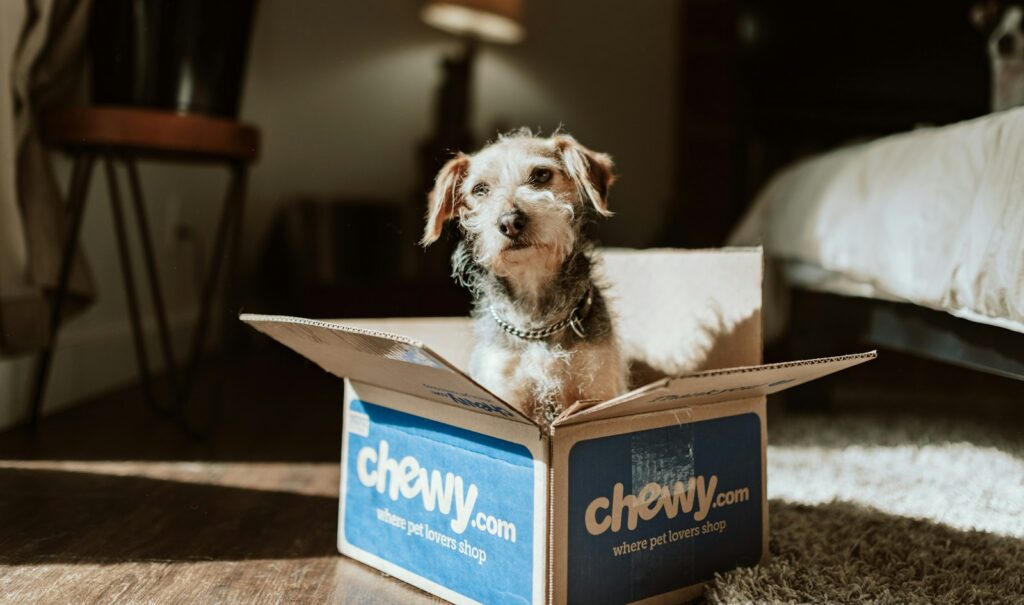
See it in the wild
Chewy’s emails know your pet.
Chewy is famous for emails that feel like they came from someone who knows your dog or cat by name.
Personal with meaningReorder reminders use the pet’s name and the exact food you buy.
One jobEach email asks for one thing, like “reorder now.”
Judged by actionSuccess is the reorder, not the open.
The moments you automate
Stages describe the relationship. Moments send the email.
The stages describe the relationship. In an email platform, you build around moments: the trigger that sends each email.
- 1WelcomeSomeone joins the list.
- 2First purchaseFirst order or booking.
- 3RepeatA second purchase, or about 30 days after the first.
- 4Abandoned cartAn item sits in the cart for a few hours.
- 5LapseNo visit or purchase in 60 to 90 days.
- 6Win-backStill quiet after the lapse email.
The moments you automate: six triggers, the job of each email, and sample subject lines
In practice those moments are welcome, nurture, first purchase, onboarding, retention and win-back. Use this table for the Welcome Series Speed Build activity and for the email section of your final pitch.
| Moment | Trigger | The email’s one job | Example subject line / preheader |
|---|---|---|---|
| Subscribe (welcome) | Someone joins the list | Set expectations and deliver value right away | “You’re in. Here’s what’s next.” / “Plus the one thing regulars order first.” |
| First purchase | First order or booking | Confirm, then help them get the most from it | “Your order is on its way” / “Three ways to make it last longer” |
| Repeat (nurture and retention) | A second purchase, or about 30 days after the first | Build the habit and suggest the next thing | “Picked for you, based on your first order” / “Two that go with what you bought” |
| Abandoned cart | An item sits in the cart for a few hours | Remove the last barrier to buying | “Still thinking it over?” / “Your cart is saved, and returns are free” |
| Lapse | No visit or purchase in 60 to 90 days | Remind them why they came | “We saved you a seat” / “Here’s what’s new since your last visit” |
| Win-back | Still quiet after the lapse email | Make one clear offer, or ask what changed | “Should we stay in touch?” / “Pick what you want to hear about, or say goodbye” |

Worked example: a three-email welcome series
Three emails. Three jobs. Value before the ask.
- Sent right away. Set expectations.
- Two or three days later. Deliver value before asking for anything.
- Five to seven days later. Nudge the first purchase.
Worked example: subject lines, preheaders, timing and buttons for an invented roaster
Brand: Trailhead Coffee, an invented local roaster. Trigger: someone joins the email list.
- Sent right away. Job: set expectations. Subject: “You’re in. Here’s what’s next.” Preheader: “Plus the one thing regulars order first.” Button: Find your nearest shop.
- Two or three days later. Job: deliver value before asking for anything. Subject: “Brew it like the shop does” Preheader: “A two-minute guide from our head roaster.” Button: Watch the guide.
- Five to seven days later. Job: nudge the first purchase. Subject: “Ready for your first bag?” Preheader: “Free shipping on your first order this week.” Button: Shop roasts.
Why it works: each email has one job and one button, value comes before the sales ask, and the timing gives people room to breathe.
How to judge it: track clicks, first orders and unsubscribes.
What a preheader is
Write the subject line and preheader as a pair.
The preheader is the short preview text that shows after the subject line in most inboxes. Write the two as a pair.
Trailhead Coffee is an invented local roaster.
See it in the wild
Your inbox is a free lesson.
Open your own email right now and look at the last five brand emails you got.
Read them as pairsSubject line first, then the preview text beside or under it.
Spot the patternWhich pairs add a second reason to open? Which just repeat themselves?
Rewrite onePick the weakest preview and write a better one in one line.
Quick check
Which moment sends this one?
Name the moment and the email’s one job for each Trailhead Coffee customer, then open the answers.
- 1Maya put two bags of beans in her cart last night and closed the tab.
- 2Jordan joined the email list ten minutes ago.
- 3Ben bought his first bag about 30 days ago.
- 4Priya has not visited or bought anything in 75 days.
- 5Priya got the lapse email two weeks ago and is still quiet.
Check your answers
- Abandoned cart. Remove the last barrier to buying.
- Welcome. Set expectations and deliver value right away.
- Repeat. Build the habit and suggest the next thing.
- Lapse. Remind them why they came.
- Win-back. Make one clear offer, or ask what changed.
Trailhead Coffee and its customers are invented.
Real brands in action
See it in real brands.
Each case study shows these ideas at work. Open one to read the full story.
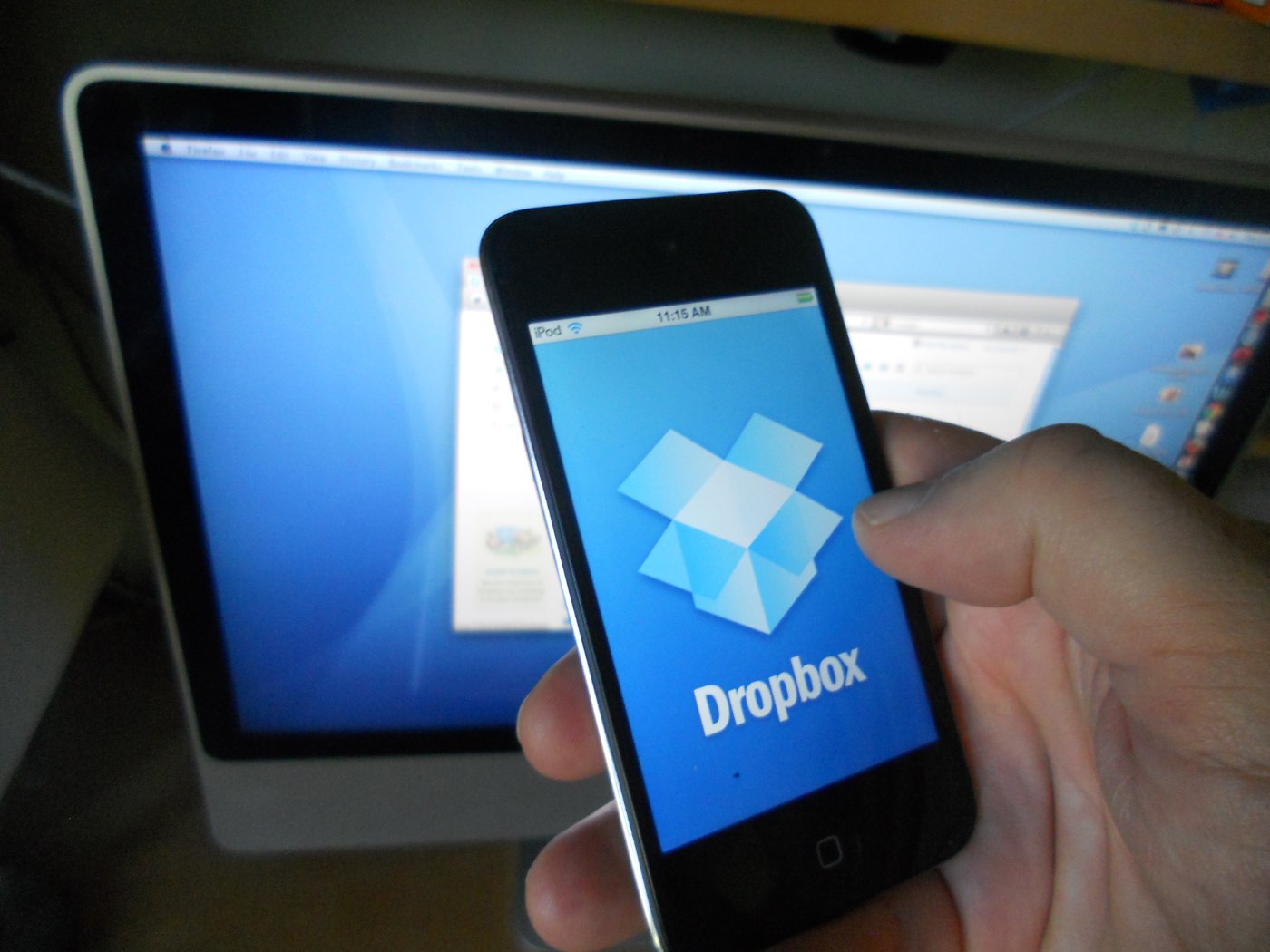
Dropbox: a referral reward that made sense for both people
Dropbox grew when paid ads failed by giving both the inviter and the new user the one thing the product runs on, more storage, so a referral email felt like a favor instead of a pitch.
The lesson: Referral emails work when the reward is useful to both people.
Photo: Ian Lamont (CC BY 2.0), via Wikimedia Commons. Brand: Dropbox

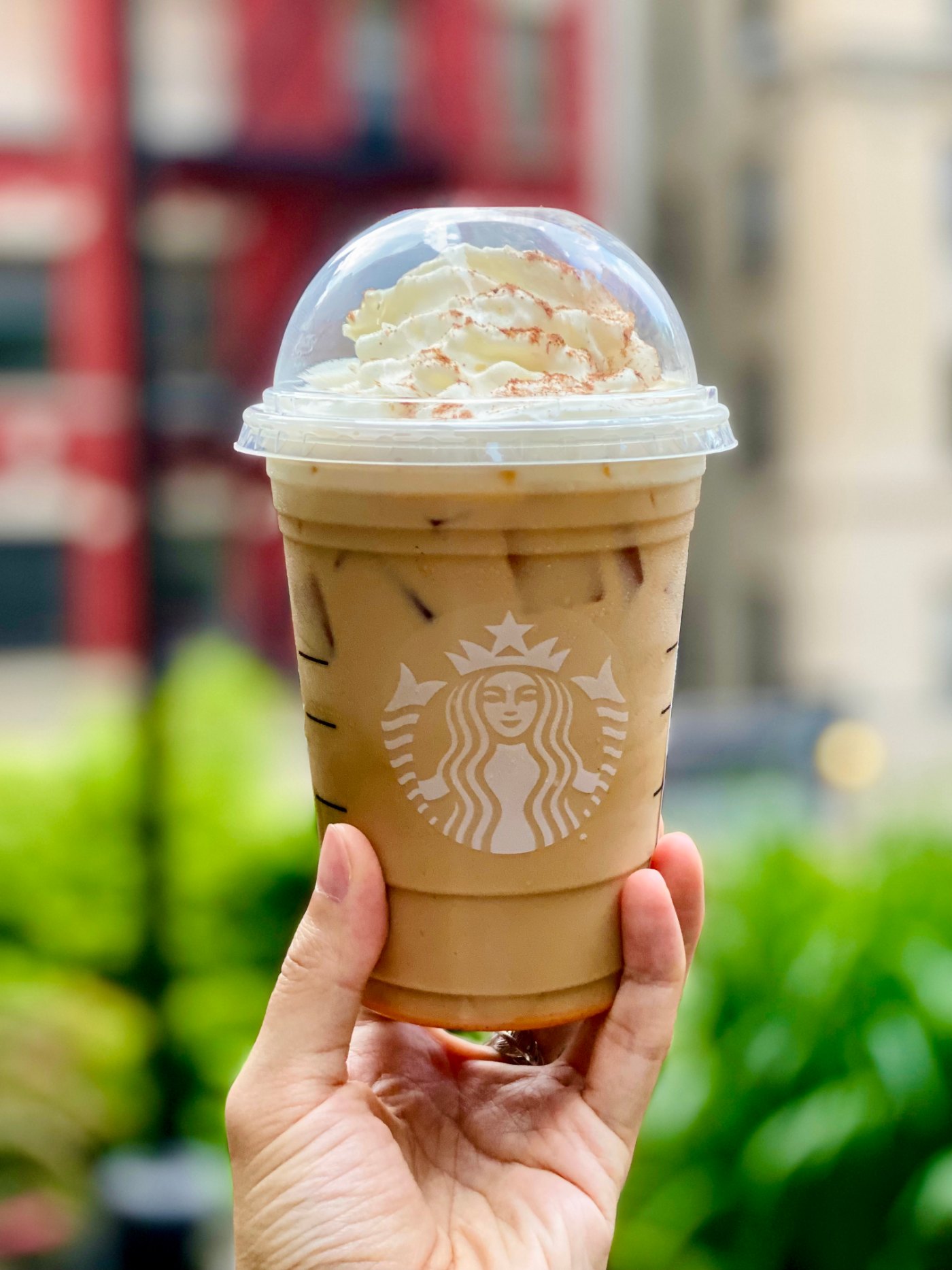
Starbucks Rewards: when loyalty email feels like a thank-you
Starbucks uses its Rewards emails and app to recognize its most valuable customers, and its own missteps show that members notice quickly when rewards start to feel like a sales pitch.
The lesson: Loyalty emails should make your best customers feel valued.
Photo: JimmyStardust (CC BY-SA 4.0), via Wikimedia Commons. Brand: Starbucks

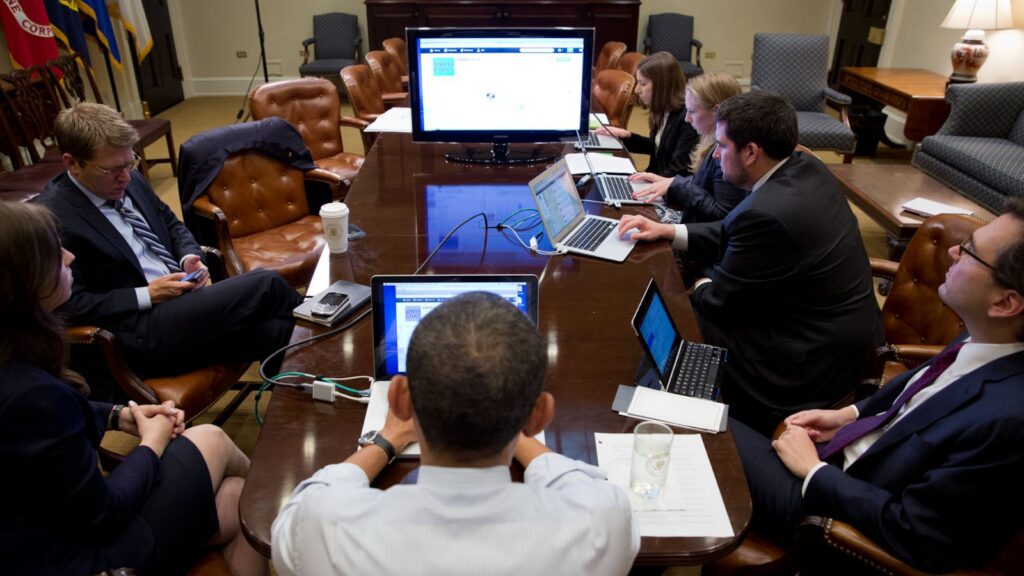
Obama 2012: The Subject Line That Said Hey
The 2012 Obama campaign A/B tested nearly every fundraising email, found that a plain “Hey” often won and raised about $690 million online.
The lesson: Don’t guess the subject line: test a few versions on a small group and send the winner.
Brand images are shown for educational purposes only. Each image and trademark belongs to the brand credited.
This or that
Which email earns the next open?
Pick the email that fits the moment in the customer’s relationship, does one job and gives one button.
Try it
Interactive tool · practice it
Tool · MARK 465
Lifecycle Flow Lab
A customer moves from subscriber to buyer to regular, and sometimes drifts away. Turn on triggered emails and see where each one fits.
- 1Turn on
- 2Preview
- 3Cover every stage
All five emails
Do it
Class work for this topic. The in-class activity counts toward participation, and you get feedback on it.
In-class group activity
Welcome Series Speed Build
Your group will have a lifecycle map for your brand and a three-email welcome series with a job, subject line and preheader for each email. A 25-minute group activity. Each case study below has its own group activity too. Dr. Morris gives the password in class.
Put it to work: Lifecycle Post and the Email & Lifecycle Pitch Section
This page feeds two pieces of work. In the Lifecycle discussion post on Canvas, you analyze a real brand’s customer journey and email or CRM strategy. Pick a brand you admire that is not your team’s client. In the Final Project & Pitch, your team maps the path from prospect to loyal customer for your client in the Email & Lifecycle section.
Build your post in five steps
Choose your brand
Pick a brand you admire, not your team’s client. It helps to pick one whose emails or texts you already get, or sign up now so you can see real messages.
In your post: the brand’s name and one or two sentences on who it serves.
Walk through the lifecycle
Briefly describe the brand’s customer lifecycle from first awareness through loyalty. Walk through at least 3 stages. The Lifecycle Flow Lab uses subscribe, first purchase, repeat, lapse and win-back; use those names if they fit.
In your post: at least 3 specific stages, each with what the brand actually sends or shows there. Skip generalities like “they email you.”
Describe one effective email or message
Pick one email or message you think works especially well. Describe it specifically. The template below can help.
In your post: the subject line, the tone, the timing and what makes it work.
Name one gap
Find one gap or missed opportunity in their lifecycle. What touchpoint is missing?
In your post: the missing touchpoint, what you would add, and why.
Reply to a classmate
Reply to one classmate’s post. Agree, push back, or add a connection. No “great post!” replies.
In your reply: a substantive comment of at least 3 sentences.
For the Final Project & Pitch
Map your client’s lifecycle
Apply the same thinking to your client. Show the path from prospect to loyal customer and the key touchpoints along it. The example lifecycle map below shows one way to lay it out.
In your pitch: the path from prospect to loyal customer, with the key touchpoints at each stage.
Research a brand’s lifecycle in one weekOptional: a day-by-day plan for collecting real examples
You cannot describe a lifecycle you have not seen. Become the customer and record what happens. Use a separate email address so the messages are easy to find.
- Day 1: Sign up. Join the email list and, if offered, SMS or the app. Screenshot the signup form and note what it promised (a discount, early access, tips).
- Days 1 to 3: Watch the welcome. Count the emails, note the send time of each and what each one asks you to do.
- Day 3: Leave something behind. Add an item to your cart or start a booking and stop. See if a reminder arrives, and when.
- All week: Sort what arrives. Label each message triggered (sent because of something you did) or broadcast (sent to everyone).
- Look past email. Note retargeting ads, push notifications, loyalty program messages and post-purchase texts. These count as lifecycle touchpoints.
- If you already buy from them, search your inbox for their order confirmations, review requests and “we miss you” emails. Those are the post-purchase and loyalty stages.
Optional: the Try it activity (save two weeks of a brand’s emails and sort them) is an easy way to gather real examples for your post.
Describe one email like a marketerA seven-line template with a made-up example
“They send fun emails” is not specific. Use this template to collect the details, then write your paragraph from it. Your post needs the subject line, tone, timing and what makes it work; the other lines are there to help.
| Line | What to write | Example (made up) |
|---|---|---|
| Stage | Where the reader is in the lifecycle | First purchase, day 2 after delivery |
| Trigger and timing | What caused it and when it arrived | Triggered by delivery, sent 48 hours later at 7 a.m. |
| Subject line + preheader | Quote both exactly | “How’s the fit?” / “Swap sizes free for 30 days” |
| Tone | Two or three words, with proof from the copy | Warm and plain: first names, no exclamation points |
| The one job | The single action it asks for | Leave a review or start an exchange |
| Why it works | Tie it to the reader’s need at that moment | It answers the worry a new buyer has before they ask |
| What you’d test | One change that could do better | A photo of the item in use instead of the product shot |
Example lifecycle map for your clientSix stages with needs, touchpoints, triggers and measures
Show your client’s lifecycle as a table, one row per stage. Keep it to the touchpoints that matter most. Five strong rows beat twelve weak ones.
| Stage | What the customer needs | Touchpoint (channel + message) | Trigger | How you’ll measure it |
|---|---|---|---|---|
| Prospect | A reason to share an email | Signup offer on site and social bio link | Visits product page twice | Signup rate |
| New subscriber | Trust and a first reason to buy | 3-email welcome series | Signup | Click rate, first-purchase rate |
| First purchase | Confidence they chose well | Post-purchase how-to email and review request | Order delivered | Review rate, support tickets |
| Repeat | A reason to come back | Reorder reminder or new-arrival email by segment | Typical reorder window passes | Repeat purchase rate |
| Lapsing | A reminder of value | Win-back email, then retargeting ad | No purchase in the client’s normal cycle | Win-back conversion rate |
| Loyal | Recognition and belonging | Loyalty perks, early access, invite to share | Third purchase or referral | Referral rate, lifetime value |
Before you postCheck your post against the Canvas instructions
- [ ] I picked a brand I admire that is not my team’s client.
- [ ] I briefly describe the brand’s customer lifecycle, from first awareness through loyalty.
- [ ] I walk through at least 3 stages, each with specifics about what the brand actually does, not generalizations.
- [ ] My email or message example gives the subject line, the tone, the timing and what makes it work.
- [ ] My gap names the missing touchpoint, what I would add, and why.
- [ ] My reply to a classmate is at least 3 sentences and agrees, pushes back or adds a connection.
- [ ] My writing is clear and professional. I read it out loud once before posting.
- [ ] Final pitch: our map shows our client’s path from prospect to loyal customer and the key touchpoints along it.
Go further
Optional, and worth it. Go past the in-class work: read a case, try the tool and earn this topic’s chip. Finish the chips across the course and you get a marketing funnel card you can post on LinkedIn to show your effort and skills.

From our farm
A newsletter with a fixed floor plan
Our newsletter, Country Living Connoisseur, goes out every other Thursday through Kit. Every issue uses the same four sections, always in the same words:
Subject lines sound like a person talking, not like a magazine cover. The newsletter name lives in the header, not the subject line.
How do fixed sections help the reader? How do they help the person who has to write it every two weeks?
From the blog
Design for the Edges: Why Accessibility Is Just Good Marketing
Alt text, real headings and strong contrast make every email work for more readers.
Unlock this topic
Do the work, earn the chip
Finish each step on this page to unlock the button that adds this topic to your course card.
Back to all Marketing 465 topics
Frequently asked questions
Frequently asked questions
What is lifecycle email marketing?
Lifecycle email marketing means sending the right email at the right point in someone's relationship with a brand. The stages are awareness, consideration, conversion, retention and advocacy, and each calls for different content. People unsubscribe when emails feel irrelevant, so matching the message to the stage is the whole game.
What is the difference between triggered and broadcast emails?
A triggered email is sent automatically when someone takes an action, like signing up, buying or abandoning a cart, so it is timely by design. A broadcast email goes to a whole list or segment at once, like a newsletter or sale announcement. Broadcasts should be segmented by behavior and interest so each one still feels written for the reader.
How do you write a welcome email series?
A strong welcome series gives each email one job and one button, and puts value before the sales ask. In the page's three-email example, email one sets expectations right away, email two delivers a helpful guide two or three days later, and email three nudges the first purchase five to seven days later. Judge it by clicks, first orders and unsubscribes.
Why are email open rates unreliable?
Email open rates are unreliable because privacy features distort them, so they give only a rough read on subject line and trust. Judge emails by action instead: click-through rate shows whether content was relevant, conversion rate shows whether it led to a real outcome, and unsubscribe rate is a warning sign of irrelevant content or too many emails.
Why should you never buy an email list?
You should never buy an email list because purchased addresses never agreed to hear from you. They hurt your sender reputation and land your emails in spam. Instead, earn subscribers with a real value exchange, such as a guide, discount or useful newsletter, and consider double opt-in to keep typos and fake addresses off the list.