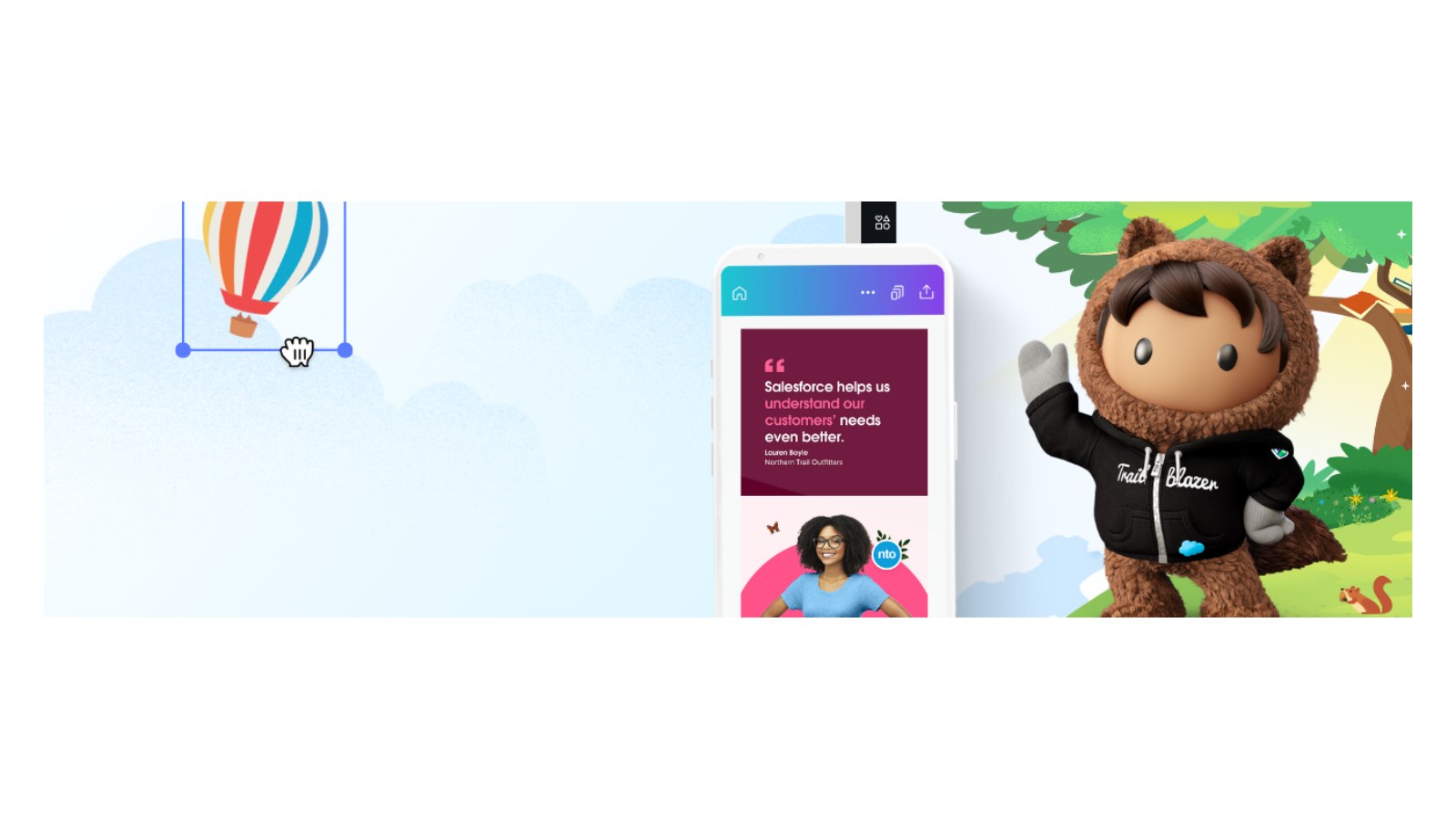
Case study · Marketing 475 · Designing in Canva
Salesforce runs more than 140 social media accounts in 22 regions and 18 languages. Its social team used Canva Brand Kits and locked templates so staff around the world could make their own posts without breaking the brand.
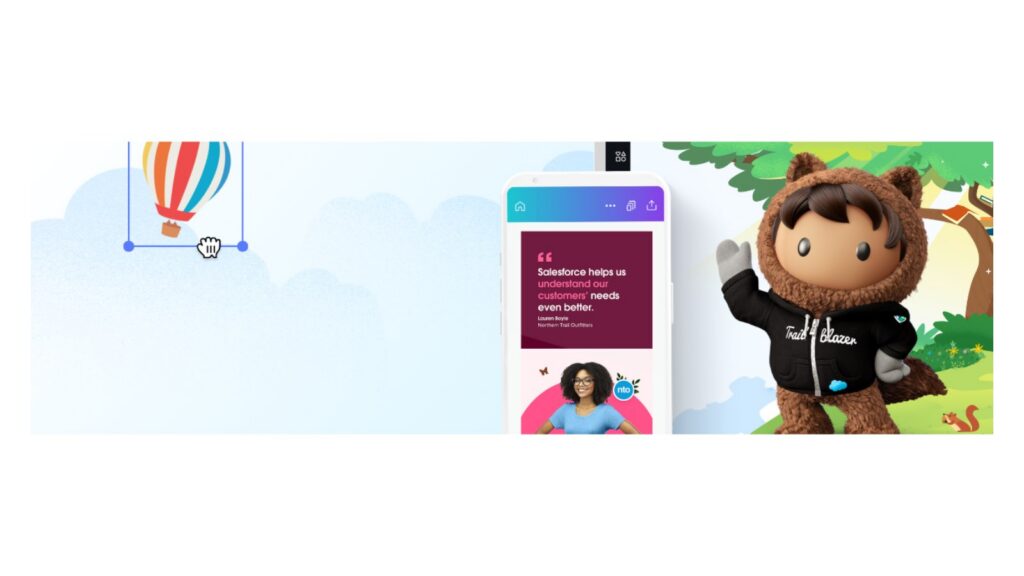
Brand
Salesforce
Year(s)
2022 to 2026
Channel(s)
Global and regional social media accounts, Canva Enterprise, Slack
Goal
Let regional teams post fast in their own language while every post still looks like Salesforce
Topic
Designing in Canva
140+
Salesforce-owned social media accounts across 22 regions and 18 languages (Canva case study)
66%
Drop in cost per design within a year, as reported by Canva (Canva case study)
63%
Increase in design production, as reported by Canva (Canva case study)
10 hours
Time per month the social creative lead says he saves on files, animations and reviews (Canva case study)
The situation
Salesforce, the cloud software company, has a huge social footprint: more than 140 accounts, including 46 regional handles, in 18 languages. A central social media team shares best practices with staff and agencies around the world in a hub-and-spoke setup.
Lots of people make content for those accounts, and most of them are not designers. Before the change, one designer built each customer quote card by hand.
The challenge
When non-designers made posts, things drifted. People used heavy font weights Salesforce does not use, or older brand fonts. Some color choices failed web accessibility standards. There was no simple approval path.
Launching one campaign meant coordinating regions, time zones, languages and platforms. The team needed speed at the edges and control at the center.
What they did
The Brand Social Media and Creative team, led by Kyle Legg, moved this work into Canva Enterprise. The central creative team builds the core design system and campaign assets once. Regional teams then adapt them.
- Brand Kit: approved fonts and brand assets live in one place, so staff cannot pick the wrong font weight.
- Approved templates: ready-made quote cards for customer stories, events, product launches and company news. Staff swap in their content with drag and drop.
- Localize, do not redesign: for campaigns, global teams swap in local-language headlines on the central design.
- Resize for each platform: one design is adapted to each social format instead of rebuilt.
- Approvals in Slack: preset design approvals and a Slack connection replace email chains and attachments.
Canva’s general tools back this up. Admins can limit people to Brand Kit colors and fonts and lock template elements so they cannot be moved.
What happened
- October 2019: Canva launches its enterprise product with brand kits, approved templates and locked workflows, aimed at the problem of employees using brand assets inconsistently (TechCrunch, 2019).
- October 2022: Salesforce’s social media leader is quoted in Canva’s 100-million-user announcement, calling Canva an invaluable tool for the business (Business Wire, 2022).
- May 2024: Canva Enterprise adds stronger brand controls and design approval requirements (MarTech, 2024).
- Per Canva’s case study: cost per design fell 66% within a year, production rose 63%, and the social creative lead saves about 10 hours a month (Canva case study).
- For comparison, HubSpot reports building more than 600 Canva templates and cutting marketers’ design time from 45 to 15 minutes (Canva HubSpot case study).
Why it worked
The system was built by designers and used by everyone. The creative team did the hard design work once. Regional staff just filled in content, so quality stayed high as volume grew.
The rules were built in, not written down. A brand guideline PDF asks people to remember the right font. A Brand Kit with locked templates makes the wrong font hard to pick.
Local teams got speed where it mattered. Swapping a headline into an approved design is fast. That let Salesforce show up in 18 languages without 18 versions of the brand.
Where it gets complicated
- This is a vendor case study. Canva wrote it to sell Canva Enterprise. The page has no date and does not explain how cost per design or production was measured.
- Templates do not replace designers. The central creative team still builds every core asset. Without that work, templates would just spread weak design faster.
- Consistency can turn into sameness. If every regional post uses the same few layouts, feeds can feel repetitive. Teams need fresh templates over time.
- Accessibility needs checking, not just locking. Locking brand colors helps, but teams still need to check that text and color pairs are readable.
The takeaway
The marketing principle
At scale, brand consistency is a design system problem, not a willpower problem. Build the system once with real designers, lock what must never change, leave room for local content, and make approvals easy. Then the people closest to the audience can move fast without breaking the brand.
Sources
- Salesforce case study, Canva (2026)
- HubSpot case study, Canva (2026)
- Canva, now valued at $3.2 billion, launches an enterprise product, TechCrunch (2019)
- Canva Announces Crossing 100 Million Monthly Active Users Following Launch of Visual Worksuite, Business Wire (2022)
- Canva introduces Canva Enterprise, Work Kits and adtech apps, MarTech (2024)
- Brand Kit, Canva Help Center (2026)
- Using Brand Templates, Canva Help Center (2026)
Group activity for this case
Design the Template Set
Map who posts for your client, decide what each template locks, and set a simple approval path. A 20-minute group activity. Dr. Morris gives the password in class.
Use this case in: Designing in Canva · All case studies
Use and share this case
Free to use in your own classroom, training or team, and to adapt for non-commercial teaching, with credit to Dr. Jules Morris, Haslam College of Business, University of Tennessee. The text is licensed CC BY-NC 4.0. Brand photos and trademarks belong to their owners and are not covered by this license.
Brand names, images and trademarks belong to their owners and appear here for educational purposes only.