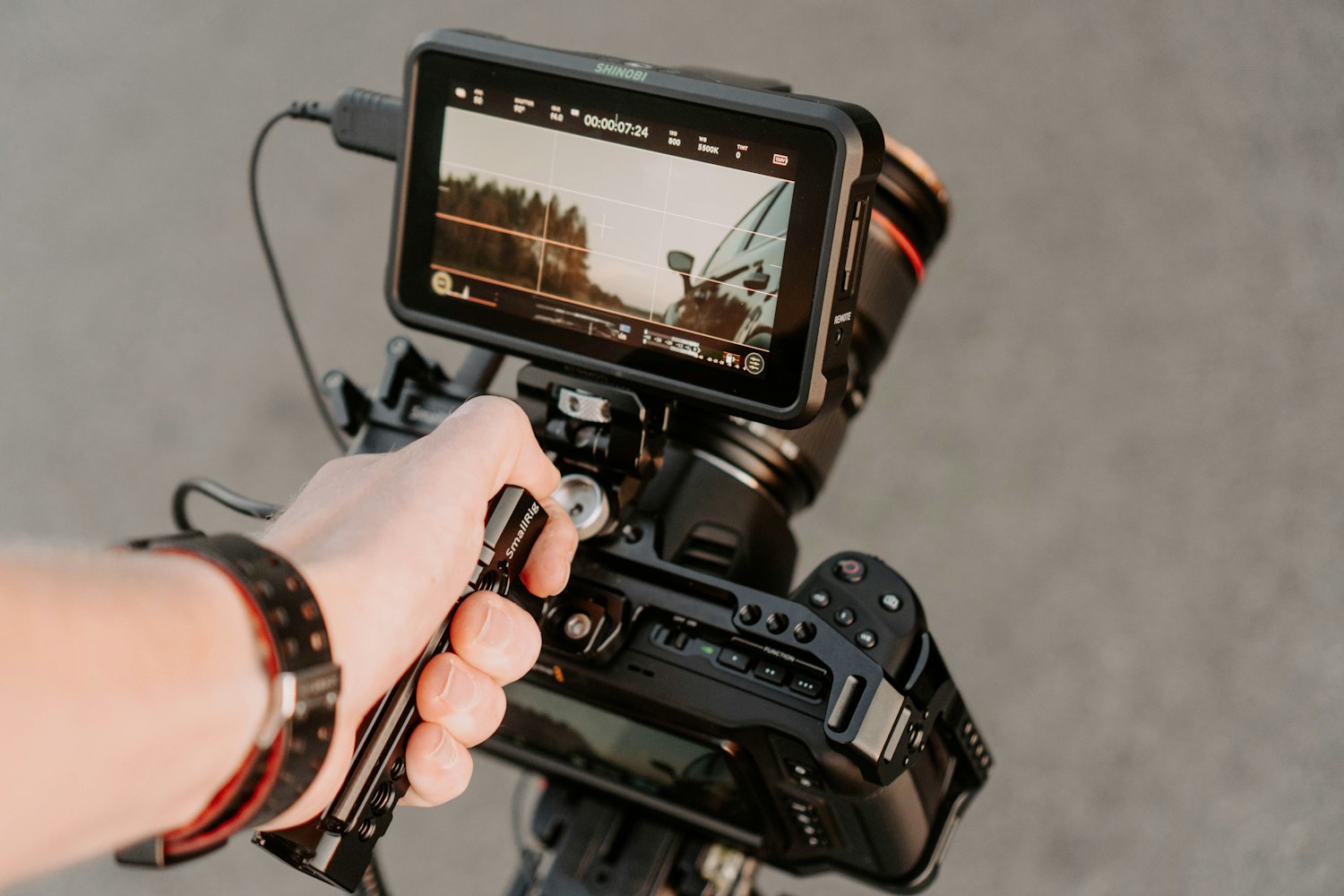
The big idea: A great brand video is built from a plan, not found in the edit: list every shot, shoot more B-roll than you think, get clean sound and light, then cut it tight so every shot earns its place.
In 60 seconds
- Plan on paper first: decide the story beats, then list every shot you need to tell them.
- Shoot more B-roll than you think, and film key moments from five angles so the editor has choices.
- Clean sound matters as much as the picture, so get the mic close and caption the whole video.
Do this: make your Final 1-minute video, 55 to 65 seconds long, captioned throughout and exported for one platform, then show it in context on your campaign slide.
How a marketing video gets made
How a marketing video gets made
Plan it on paper. Build it in the edit.
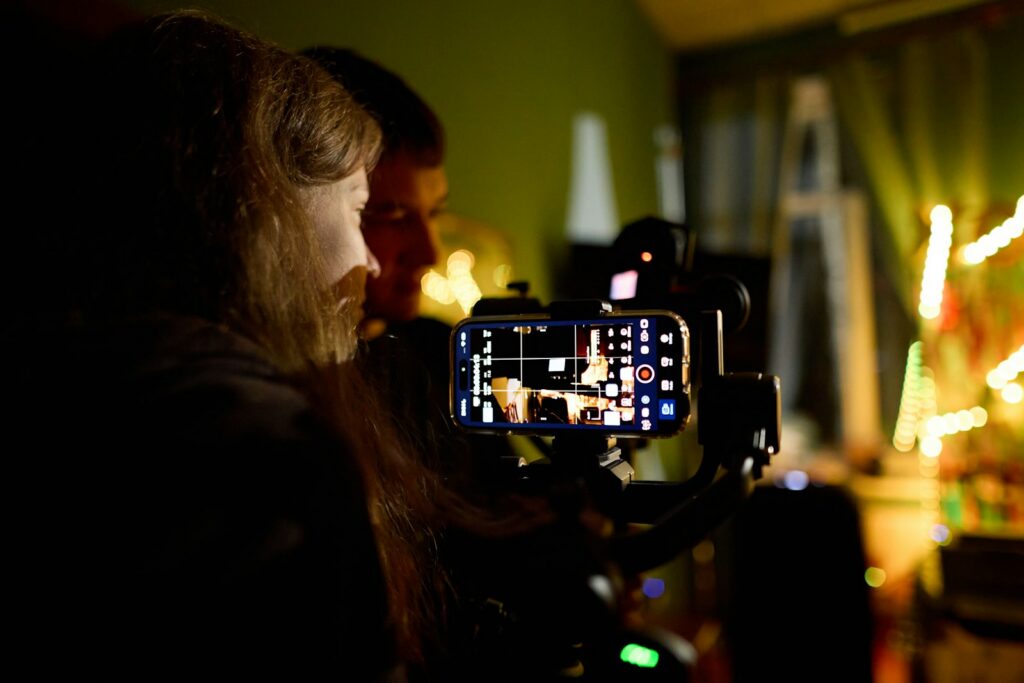
A strong one-minute brand video is planned on paper, shot in small pieces and built in the edit. You do not need a film crew. You need a phone, good light, clean sound and more footage than you think.
The four stages
Plan, shoot, sound, edit. Each one makes something.
- 1PlanDecide the story beats, then list every shot you need to tell them. You make: a shot list and a one-page storyboard.
- 2ShootCapture each shot steady, in focus and well lit, with extra takes and extra B-roll. You make: clips you can cut, not one long take.
- 3SoundRecord clear voice close to the mic, in a quiet room, plus a little room tone. You make: a voice-over or dialogue track people can hear.
- 4EditCut on action, keep the pace tight, match the color, add captions and licensed music. You make: a finished file, exported for one platform.
Two kinds of footage
A-roll tells the story. B-roll shows it.
A-roll carries the story
- The main footage. Usually a person talking on camera, or the main action of each beat.
- It drives the timeline. The A-roll and the voice decide how long each beat runs.
- It is never enough alone. A minute of one person talking feels long, and every trim shows as a jump.
B-roll shows what the words say
- Cutaways. Hands, details, places, reactions and the product in use.
- It covers the voice-over. While someone talks, B-roll gives people something new to look at.
- It saves the edit. Cut to B-roll to hide a trim, a stumble or a shaky moment.
Rule one on set
Shoot more B-roll than you think you need.
Editors almost never run out of A-roll. They run out of good cutaways. Hold every shot a few seconds longer than you plan to use it.
The 5-shot sequence
Film one moment five ways.
When you film one moment (pouring a coffee, lacing a shoe, opening an app), capture it five ways. In the edit, these five shots cut together into a smooth mini-scene.
- Close-up of the hands. What is happening: the product being used.
- Close-up of the face. Who it is happening to, and how they feel.
- Wide shot. Where it is happening. The person and the place in one frame.
- Over the shoulder. The view from behind the person, looking at what they look at.
- An unusual angle. Straight overhead, low to the ground, through something, or from the product’s point of view.
Why each shot works, and what coverage means
- Hands: hands show the product in context without saying a word.
- Face: emotion reads on a face, especially on a small phone screen.
- Wide: it orients the viewer. Without it, close-ups float.
- Over the shoulder: it puts the viewer in the customer’s place.
- Unusual angle: it surprises the eye and makes a great cutaway.
That is coverage. Coverage means filming a moment from enough sizes and angles that the editor has choices.
Try it: the Shot List Builder below flags which of the five you are missing.
Tell the brand story in pictures
The brand is the turn, not the start.
- 1ProblemStart with a real person and a real problem.
- 2TurnThe brand arrives as the turn.
- 3PayoffEnd on the payoff: what is better for them now.
Then close on the brand and one call to action.
Show, don’t tell
Every shot should earn its place.
Says “fast”
If the voice-over says “fast,” show a timer.
Says “cozy”
If it says “cozy,” show steam, a blanket and a window.
Every shot should earn its place by showing something the words cannot.
Shoot on a phone
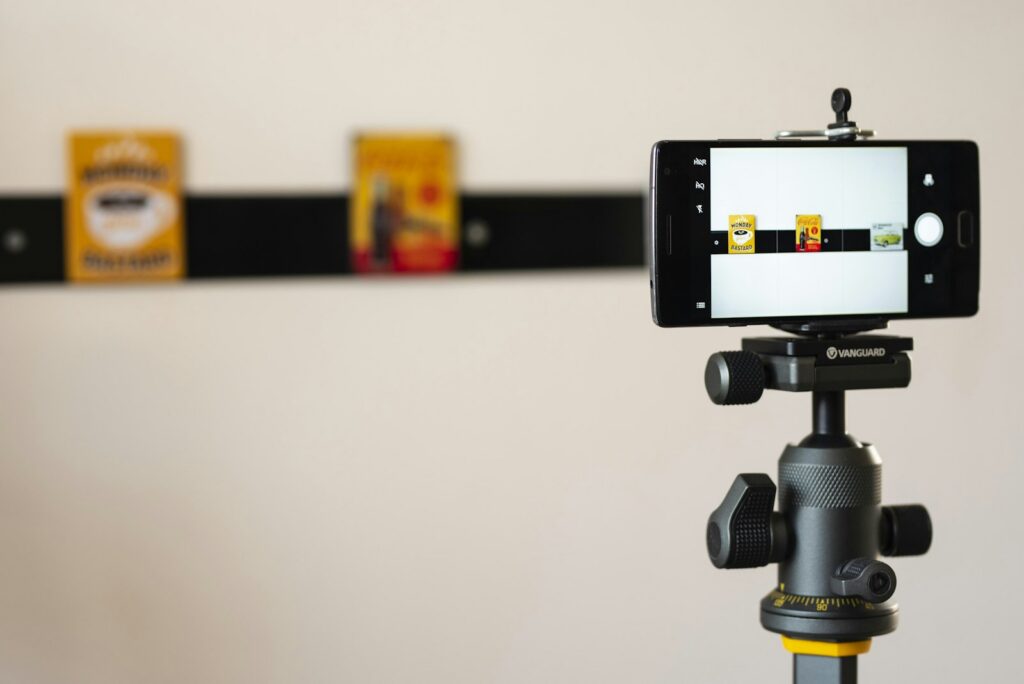
Your phone is enough. Use it on purpose.
- Clean the lens.
- Lock focus and exposure.
- Pick your orientation on purpose.
- Keep it steady.
- Move slowly, and only on purpose.
- Move closer instead of zooming.
- Frame with the grid.
- Pick a frame rate.
Shoot on a phone: lens, focus, orientation, steady shots and camera moves
- Clean the lens. Phone lenses collect fingerprints, and a smudge makes every shot soft and hazy. Wipe it with a soft cloth before every setup.
- Lock focus and exposure. Otherwise the phone keeps refocusing and changing brightness mid-shot. On iPhone, press and hold on your subject until AE/AF Lock appears, then slide to adjust brightness. Most Android camera apps have a similar tap-and-hold lock.
- Pick your orientation on purpose. Shoot vertical (9:16) for Reels, TikTok, Stories and Shorts. Shoot horizontal (16:9) for regular YouTube videos, a website header, a presentation screen or a TV-style ad. You cannot fix the wrong orientation in the edit without cropping away most of the frame.
- Keep it steady. Two hands, elbows tucked in, or brace against a wall or table. A tripod or a phone gimbal is better. Shaky footage reads as a mistake, not as style.
- Move slowly, and only on purpose. Three moves cover most needs: a slow push in toward the subject (builds focus), a slow pan across a scene (reveals), and a follow that moves with a person. Hold still for a second at the start and end of every move so you can cut.
- Move closer instead of zooming. Digital zoom on many phones costs sharpness. Walk the camera in.
- Frame with the grid. Turn on gridlines and put eyes and key objects on the thirds. Leave a little headroom (space above the head) and give people room in the direction they look or move.
- Frame rate. 24 or 30 frames per second looks normal. Shoot at 60 if you want smooth slow motion, then slow it down in the edit. Many phones also have a Slo-mo mode. Keep normal-speed clips at one frame rate across the team so they cut together cleanly.
Film your app or website on screen? Use the phone or computer’s screen recording instead of pointing a camera at a screen. It is sharper and has no glare.
Light it
Soft window light beats any ceiling light.
Face a window
Put your subject facing a window with the camera between them and the glass. Soft daylight is the easiest flattering light you have.
Avoid overhead light
Ceiling lights straight above cast shadows in the eye sockets and under the nose and chin.
Don’t mix light colors
Daylight is cool and bluish. Many indoor bulbs are warm and orange. Mixed together, skin and product colors look strange and are hard to fix.
Golden hour
The hour or so after sunrise and before sunset gives soft, warm, low light that flatters people and places. Plan outdoor lifestyle shots for it.
Light it: watch-outs for windows, overhead light, mixed light and golden hour
- Face a window. Watch out: a window behind the subject turns them into a silhouette.
- Avoid overhead light. Watch out: classrooms and hallways are lit this way. Move toward a window.
- Don’t mix light colors. Watch out: turn off the room lights when you use window light.
- Golden hour. Match your board: use the light your identity board and brand photos already use.
Get clean sound
Treat audio as half of the video.
People will watch a slightly soft shot. They will scroll away from voice they cannot hear or a room full of echo.
Get clean sound
Get the mic close. Then listen back.
- Get close to the mic. Distance is the biggest problem.
- Use a lav mic if you can.
- Pick a quiet room with soft surfaces.
- Record room tone.
- Beat the wind.
- Listen back on set. Reshooting now takes a minute. Reshooting later takes a day.
Get clean sound: how to get it
- Get close to the mic. Distance is the biggest problem. A phone a few feet away records the room, not the voice. Move the mic close to the mouth, just outside the frame.
- Use a lav mic if you can. A small clip-on (lavalier) mic on the shirt, a hand’s width below the chin, keeps the voice close and steady. Wired and wireless versions plug into phones.
- Pick a quiet room with soft surfaces. Couches, curtains, rugs and clothes soak up echo. Bare walls, glass and tile bounce it. Turn off fans, AC and music, and silence phones.
- Record room tone. Before you leave each location, record about 30 seconds of the room with everyone silent. The editor uses it to fill gaps so cuts do not sound like sudden silence.
- Beat the wind. Wind hitting a mic sounds like rumbling and cannot be cleaned up well. Use a foam or furry windscreen, turn your back to the wind, or move behind a wall.
- Listen back on set. Put on headphones and play the first take before you move on. Reshooting now takes a minute. Reshooting later takes a day.
Edit it: the cuts
Good cuts carry the eye across.
- Cut on action. The motion carries the eye across the cut, so it feels smooth.
- J cut. The sound pulls the viewer into the next scene.
- L cut. A line of dialogue can continue over B-roll, so the story flows.
- Cut to the beat. The edit feels intentional and the rhythm keeps people watching.
- Trim the ends. Every shot starts on something happening.
Edit it: cuts, pace, color, captions, music and tools
| Technique | What it is | Why it works |
|---|---|---|
| Cut on action | Cut from one shot to the next in the middle of a movement: the hand reaching, the door opening. | The motion carries the eye across the cut, so it feels smooth. |
| J cut | The next clip’s sound starts before its picture appears. | The sound pulls the viewer into the next scene. |
| L cut | The current clip’s sound keeps playing after the picture cuts away. | A line of dialogue can continue over B-roll, so the story flows. |
| Cut to the beat | Line up cuts with strong beats in the music. | The edit feels intentional and the rhythm keeps people watching. |
| Trim the ends | Cut the first and last second or so of most clips: the wobble when you press record and the pause before you stop. | Every shot starts on something happening. |
Edit it: the finish
Caption every line. License every track.
- Pace for short form. Change the picture every few seconds.
- Keep the color consistent. One look on every clip.
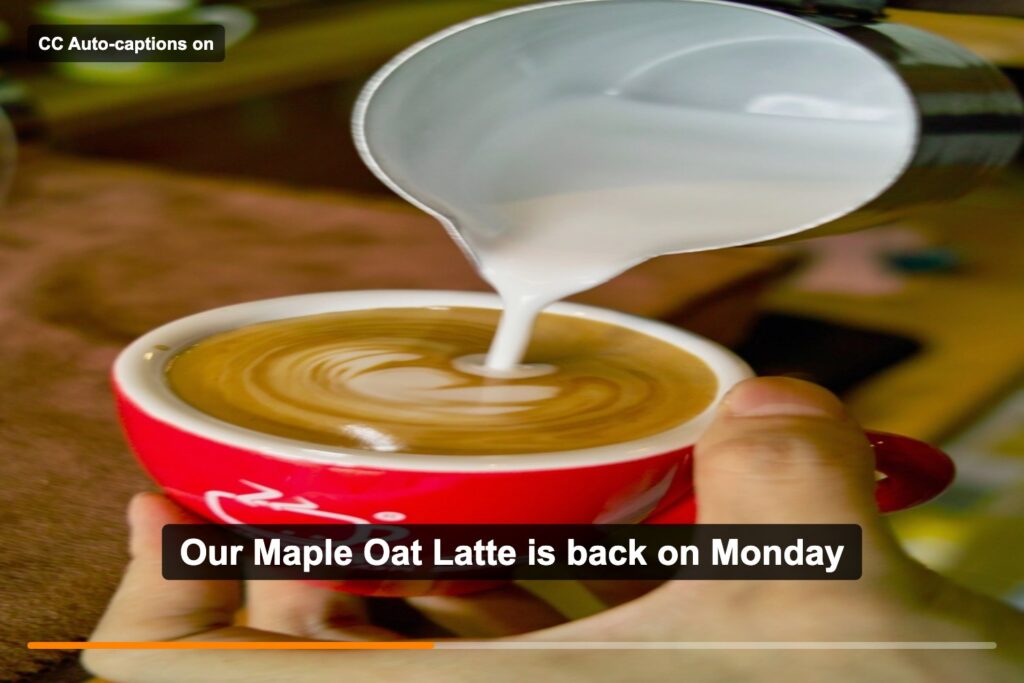
- Caption the whole video. Then proofread every line, especially your brand name.
- Use licensed music. A popular song from your music app is not licensed for your video.
- Mix the levels. Keep music low under any voice.
Pace, color, captions, music and levels
- Pace for short form. Change the picture every few seconds, especially in the first beats. Vary shot lengths so it does not feel mechanical. Let the payoff and the end card hold a little longer.
- Keep the color consistent. Apply one look to every clip so shots from different phones match, and match it to the color direction and photo style on your identity board.
- Caption the whole video. Many people watch with the sound off, and captions make the video accessible to people who are deaf or hard of hearing. Use auto-captions, then proofread every line, especially your brand name. Use your brand fonts and keep captions clear of app buttons and faces.
- Use licensed music. Choose tracks from your editor’s built-in library or another source that clearly allows reuse. A popular song from your music app is not licensed for your video. Read each track’s terms: some are cleared only for personal use or only on certain platforms, and some require a credit. This is not legal advice.
- Mix the levels. Keep music low under any voice. Every word should be clear with sound on.
Export for the platform
One shape, one size, one platform.
Vertical 9:16
Reels, TikTok, Stories, YouTube Shorts.
Common export size: 1080 x 1920 px
Horizontal 16:9
Regular YouTube video, website, presentation screen.
Common export size: 1920 x 1080 px
Export as MP4 at the frame rate you shot in (30 fps for most phone footage). Check the length on the exported file, not just the timeline.
Specs change, and which editor to use
Platforms change their specs, so confirm the current size in your editor’s preset or the platform’s help pages.
Any editor can do all of this. CapCut and Canva’s video editor are quick for social edits and both offer auto-captions. iMovie is free on Apple devices, and Adobe’s Premiere apps give you more control.
Try it: Shot List Builder
Tool · MARK 475
Shot List Builder
Get a 60-second plan: beats, voice lines and a starter shot list. The checks flag the gaps an editor would hit.
- 1Pick a starter
- 2Edit shots
- 3Share
Story structure
Who does the talking
Add your own shot
Your plan
5-shot sequence
All checks
Put it to work: your Final 1-minute video
The Final 1-minute video is one of the five required assets in your Final Campaign. Graders look for a hook in the first 3 seconds, the brand story, the product in context, a clear CTA and captions throughout, at 55 to 65 seconds. Execution counts too: the grading checklist asks for sharp, well-lit work, correct platform sizes and a video with captions. Your video then shows up again on the deck’s Campaign content in context slide.
Make your brand video in six steps
Lock the beats
Write your hook and script with the 60-second template on the Hooks and Scripts page. Then name your problem, your turn and your payoff in one sentence each.
Your deliverable: a beat sheet with seconds for each beat that adds up to about 60.
Build the shot list
Run your beats through the Shot List Builder. Give the product-in-use moment the full 5-shot sequence, and make sure every beat with voice-over has B-roll under it.
Your deliverable: a numbered shot list (A-roll or B-roll, size, angle, move, what we see) and a one-page storyboard on your Canva page.
Write and time the voice
Write for the ear, then read every line out loud with a timer. If it runs long, cut words, not beats.
Your deliverable: a voice-over or on-camera script that reads in well under a minute, with room for music and pauses.
Shoot it
Split the roles: director, camera, talent, and a script and continuity checker who ticks off each shot. Shoot vertical for your platform, lock focus and exposure, face the light and record 2 to 3 takes of every shot. Record sound close to the mic, plus room tone.
Your deliverable: every shot on the list checked off, and the voice-over recorded clean.
Edit, caption and export
Rough cut in beat order, then trim the ends of clips and cut on action. Match the color to your identity board, add licensed music low under the voice and caption every line in your brand fonts.
Your deliverable: one MP4 for one platform, 55 to 65 seconds on the exported file, captioned from the first second to the last.
Show it in context
On the Campaign content in context slide, show the video the way your audience would meet it: in a phone frame on the platform you chose, next to your photos and platform designs. Play it live or link it.
Your slide: Campaign content in context, with the video in a phone mockup, three key frames from it and one line on where it runs.
A worked exampleOne imaginary brand, from beats to the end card
For example, a team invents Hollow Pine Coffee, a cozy cafe for students, and makes a vertical Reel.
| Beat | What we see | What we hear |
|---|---|---|
| Hook, 0 to 3 s | B-roll: a full cup slides across the counter toward the lens (low angle, follow). | “Cold coffee again?” |
| The problem, 3 to 12 s | Wide of a crowded library, then a medium of a tired student, then a close-up of a cold coffee next to the keyboard. | “Finals week. Three classes, one paper and a coffee that went cold an hour ago.” |
| The turn, 12 to 25 s | The student walks into the cafe (follow), steam curling off a latte, the cup set down with the logo turned to camera. | “At Hollow Pine Coffee, we think a good cup should slow you down.” Then a beat of music. |
| Product in context, 25 to 45 s | The 5-shot sequence: hands pouring latte art, the student’s first sip, wide of the window seat, over the barista’s shoulder, straight down on the cup. | “Small-batch beans, roasted every Tuesday. Order ahead and stay as long as you need.” |
| Payoff, 45 to 55 s | Friends laughing at a big table, cups in hand. | “Because the best study sessions feel more like hanging out.” |
| CTA, 55 to 60 s | End card in pine green and cream: logo, “Stay a while.” and “Order ahead.” | “Order ahead at Hollow Pine Coffee.” |
Every shot shows something the voice-over does not say, the warm window light matches the brand photos, and captions run in the brand’s body font the whole way through.
Before you submitA final pass on your Final 1-minute video
- [ ] Something moves or surprises in the first 3 seconds, and the logo waits until the end.
- [ ] A viewer can name the problem, the turn and the payoff after one watch.
- [ ] The product appears in use, in a real setting, with hands or a person in the frame.
- [ ] There is a wide shot, close-ups and enough B-roll that no shot overstays.
- [ ] Shots are steady, in focus and well lit, and the color matches across clips and our identity board.
- [ ] Every word of voice or dialogue is clear, and music sits low underneath it.
- [ ] Captions run from the first second to the last, in our brand fonts, with no typos and clear of app buttons.
- [ ] The music is licensed for this use, and any required credit is included.
- [ ] The video ends on our logo, brand name and one clear call to action.
- [ ] The exported file is 55 to 65 seconds long and framed for one platform.
- [ ] The Campaign content in context slide shows the video the way our audience would see it.
Go deeper
Back to all Marketing 475 topics
In-class group activity · 28 min
Call Sheet Sprint
A timed beat sheet, a numbered shot list with A-roll and B-roll, voice-over lines that fit their beats and a shoot-day plan for your brand’s 1-minute video. Your instructor will give you the password in class.
Frequently asked questions
What is the difference between A-roll and B-roll?
A-roll is the main footage that carries the story, usually a person talking on camera or the main action of each beat. B-roll is cutaway footage of hands, details, places, reactions and the product in use. B-roll covers the voice-over, gives viewers something new to look at and hides trims or stumbles in the edit. Shoot more B-roll than you think you need.
How do you plan a marketing video shoot?
Write the story as five or six beats with seconds, then list every shot each beat needs. A shot list has one line per shot: number, A-roll or B-roll, shot size, angle, camera move and what we see. Add a one-page storyboard with six boxes, one per beat. If the story does not make sense in six boxes, it will not make sense in the edit.
What is the 5-shot sequence in video production?
The 5-shot sequence captures one moment five ways: a close-up of the hands, a close-up of the face, a wide shot, an over-the-shoulder shot and an unusual angle. In the edit these cut together into a smooth mini-scene. Filming a moment from enough sizes and angles to give the editor choices is called coverage, and the key product moment should always get it.
What are common mistakes when filming marketing video on a phone?
Common phone video mistakes include a smudged lens, letting the phone refocus mid-shot, shooting in the wrong orientation, using digital zoom and filming with a window behind the subject. Clean the lens, lock focus and exposure, shoot vertical 9:16 for Reels, TikTok, Stories and Shorts, walk closer instead of zooming, and face the subject toward the window instead.
Why does sound matter so much in marketing video?
People will watch a slightly soft shot, but they scroll away from voice they cannot hear or a room full of echo, so treat audio as half of the video. Distance is the biggest problem: move the mic close to the mouth or use a clip-on lavalier mic. Record in a quiet room with soft surfaces, and capture about 30 seconds of room tone at each location.