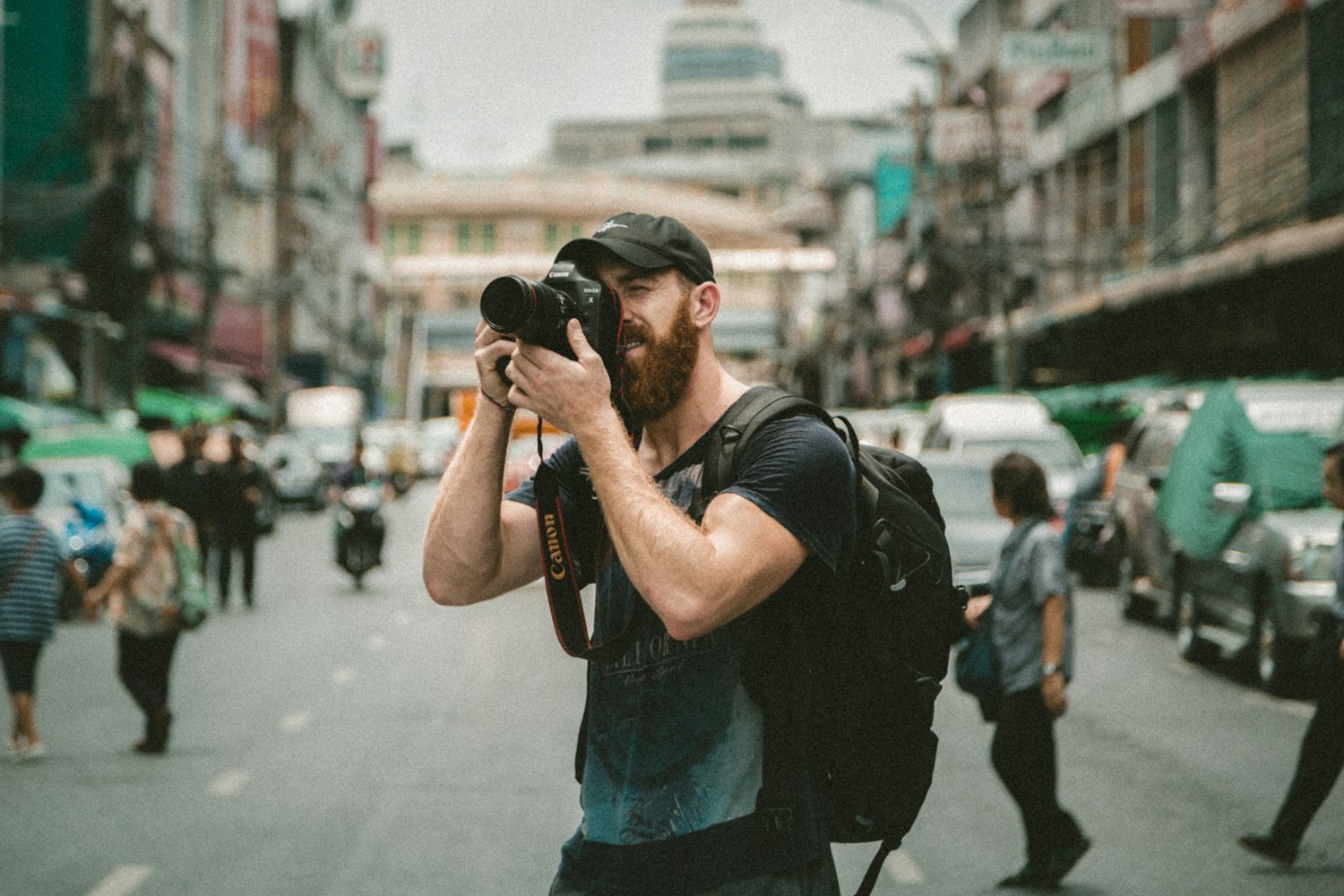
The big idea: Every image belongs to someone, so every image in your campaign should be your own, licensed for your use, or properly credited, and you should be able to prove which.
In 60 seconds
- Every image belongs to someone, and finding it on Google does not make it free.
- Use an image only if you made it, licensed it, it has a fitting CC license, it is public domain, or the owner said yes in writing.
- Keep a sources list from day one so you can prove where every image came from.
Do this: clear every image in your Final Campaign, log each one in a team sources list, and end your deck with a sources and credits slide.
How image rights work
How image rights work
Every image belongs to someone.
Every image you see online belongs to someone. Before an image goes into your campaign, you need to know who owns it, what they allow, and who or what is in it.
The four checks before you use any image
Four checks before any image goes in your campaign.
- 1Who made it?You, a stock contributor, a photographer online, an AI tool or no one (public domain). Ask: can I see the original source?
- 2What do they allow?A license or written permission tells you what you may do with it. Ask: does it cover a brand campaign?
- 3Who or what is in it?People, other brands’ logos and private property bring their own rights. Ask: do I need a release, or a different frame?
- 4Credit it and log itWrite the credit and add a line to your sources list right away. Ask: could a grader trace this image?
Copyright is automatic
“Found on Google” does not mean free.
Copyright exists automatically the moment someone takes a photo or makes a design. No © symbol, registration or watermark is needed. Search engines and Pinterest show you images. They do not give you permission to use them, and adding a credit does not either.
Your ways in, and the rights on top
You can use an image when one of these is true.
- You made it. Your own photo, illustration or design. Your team owns the copyright.
- You licensed it. Stock sites and the Canva library give permission with rules. Read them.
- It has a Creative Commons license. Free to use under the conditions the creator chose.
- It is in the public domain. No one owns the copyright anymore, or no one ever did.
- The owner said yes in writing. For the specific use you described.
Then check these separate rights
Then check the separate rights inside the frame.
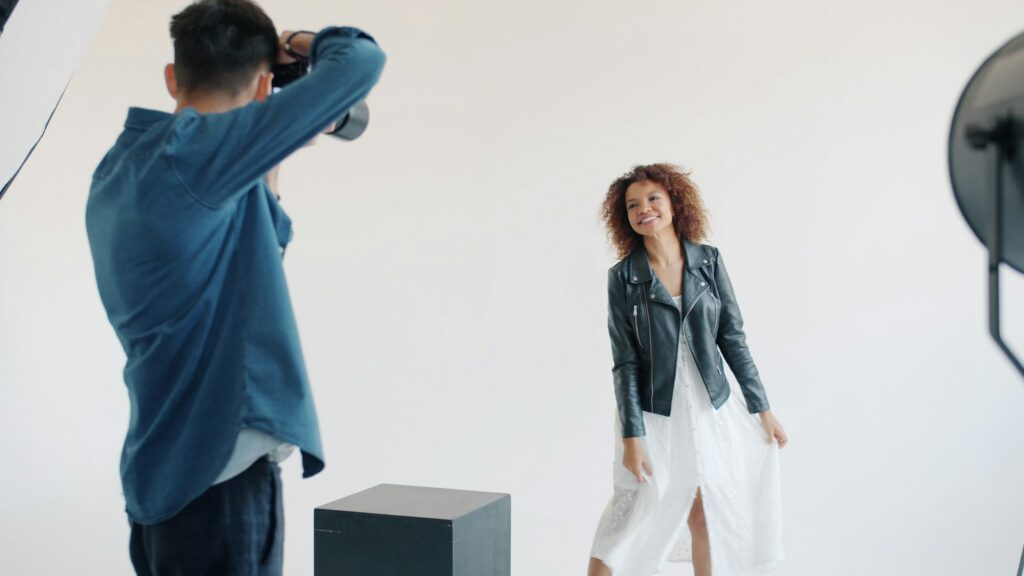
- People. A recognizable person in commercial work needs a signed model release.
- Property. Private property or artwork as the focus of a commercial shot usually needs a property release.
- Other brands. Logos and brand names are trademarks. Keep them out of the spotlight in your campaign.
People, property and other brands: model releases, property releases, trademarks and logos
- Model release. A signed form in which a recognizable person agrees to have their image used, including in marketing. Brands get one for commercial work. A parent or guardian signs for a minor. For class: get written permission from every recognizable classmate or friend you shoot.
- Property release. Permission from the owner when private property, such as the inside of a business, a home or an artwork, is a focus of a commercial image. Easy fix: shoot in a public space or in your own space, or ask the owner first.
- Trademarks and logos. Brand names, logos and some packaging are trademarks. Featuring another brand’s mark in your campaign can confuse people about who made it or suggest an endorsement. Easy fix: use unbranded props, turn labels away, or crop and blur.
Fair use
Fair use is a defense, not a plan.
Fair use lets people use copyrighted work in some cases, such as commentary or teaching. Courts decide it case by case, after the fact. Never build a campaign on it.
Licenses, stock sites and Canva
A license is permission with rules.
You do not buy the image. You buy the right to use it in certain ways.
Royalty-free
Pay once, or get it with a subscription, then use it many times.
Not copyright-free. Not exclusive.
Rights-managed
Licensed for one specific use. A new use needs a new license.
Easy to go past the terms.
Editorial use only
For news, reviews and commentary, not for selling.
Off-limits for ads and brand campaigns.
Royalty-free vs rights-managed in plain terms, and what to look for
| Type | In plain terms | Watch for |
|---|---|---|
| Royalty-free | Pay once, or get it with a subscription, then use it many times within the license terms. Most stock and Canva content works this way. | “Royalty-free” does not mean copyright-free. It is not exclusive, so your competitor can use the same photo. |
| Rights-managed | Licensed for one specific use: where it runs, for how long, in which regions and how many copies. A new use needs a new license. | Easy to go past the terms by reusing it in a new ad or for longer than you paid for. |
| Editorial use only | For news, reviews and commentary, not for selling a product or service. | Off-limits for ads and brand campaigns. Often no releases for the people or places shown. |
Canva and other stock libraries
Read the license. Look for these four answers.
- Can I use it in commercial work like ads and social posts?
- Can I use it in a logo or trademark? (Many stock licenses limit this.)
- Can I put it on products I sell, like shirts or stickers?
- Do I have to credit the creator?
How Canva and stock licenses work
The photos, graphics, video and music in Canva come with Canva’s own content license, and some items have extra limits. Other stock sites each have their own. Licenses can change, so read the current one for the platform you use.
Free and paid items can carry different terms, so check the item, not only the site.
Creative Commons licenses
The safest choices for brand work: CC BY and CC0.
Creative Commons (CC) licenses let creators share work for free under conditions they choose. Every CC license is built from the same few elements.
Skip or think twice
- NC: no commercial use. Skip it.
- ND: share it only as is.
- SA: share adaptations the same way.
Safe for campaigns
- BY: give credit to the creator.
- CC0: works like public domain.
Creative Commons elements: BY, SA, NC, ND, CC0
| Element | Means | For your campaign |
|---|---|---|
| BY (Attribution) | Give credit to the creator. Part of every CC license. | Fine. Credit it properly. |
| SA (ShareAlike) | If you adapt it, share your new version under the same license. | Think twice before editing it. Your design would have to be shared the same way. |
| NC (NonCommercial) | No commercial use. | Skip it. A brand campaign is commercial work. |
| ND (NoDerivatives) | Share it only as is. No adaptations. | Only if you use it unchanged. Cropping, adding text or building it into a design may count as an adaptation. |
| CC0 | The creator gave up their rights, as far as the law allows. Not technically a license, but works like public domain. | Free to use and edit. Credit is not required, but it is good practice. |
Licenses combine these elements, for example CC BY-NC-SA. The safest choices for brand work are CC BY and CC0.
Attribution
Write every credit with TASL.
- TTitleThe name of the work.
- AAuthorWho made it.
- SSourceLink to the original.
- LLicenseName and link.
Creative Commons recommends this pattern. Example credit (made up for this page): “Morning Fog Over the Ridge” by A. Rivera is licensed under CC BY 4.0.
How to place the credit
In a digital deck, link the title to the original page and the license name to the license.
A CC license covers the creator’s copyright only. It does not give you permission from people shown in the photo, and it does not clear any trademarks in it.
AI-generated images
AI images come with uncertain copyright.
- Check the tool’s terms. Each tool sets its own rules. Note the date you checked.
- Build the final logo yourself. Use AI to sketch directions. A purely AI-made mark may not be protected.
- Avoid people and brands. No real people, look-alikes or other brands’ logos, products and characters.
- Be open about it. Label AI images in your sources list with the tool, date and prompt.
AI-generated images: tool terms, uncertain copyright and what to avoid
- Check the tool’s terms. Each tool sets its own rules for commercial use of outputs and for restricted content. Terms change, so note the date you checked.
- Copyright status is uncertain in the US. The US Copyright Office has said that material generated by AI without enough human authorship is not protected by copyright. Your own human contributions, such as edits, selection and arrangement, may be. The law is still developing.
- That matters for your logo. You may not be able to stop others from copying a purely AI-made mark. Use AI to sketch directions, then build the final logo yourself.
- Avoid real people and look-alikes. Do not generate real people, celebrities or people who look like them to promote a brand.
- Avoid other brands. Keep other brands’ logos, products and characters out of your prompts and outputs.
- Be open about it. Label AI images in your sources list with the tool, date and prompt. Some platforms also ask you to label realistic AI content when you post it.
This is not legal advice
When in doubt, make it or license it.
This page covers the basics of US copyright for class work. Real brands use lawyers for real campaigns.
Unclear source
An image you can’t trace or a license you haven’t read.
When in doubt
Make your own image or choose a clearly licensed one.
Try it: Can I Use This Image?
Tool · MARK 475
Can I Use This Image?
Answer one question at a time. You end with a clear answer, the reason, and the line to add to your sources list.
- 1Answer
- 2Get the verdict
- 3Log the source
Full answer and your path
Put it to work: clear every image in your Final Campaign
Your Final Campaign has a lot of images: the final identity board and moodboard, your 5 edited brand photos, every teammate’s platform design, the 1-minute video and the Campaign Deck. Every image in all of them must be your own, licensed, or properly credited. Keep a sources list from day one so you can prove it.
Clear your campaign in six steps
Run each image through the “Can I Use This Image?” tool above. Each step gives you a deliverable.
Start the sources list now
Make one shared doc or sheet for the team. Columns: asset, where it is used, what it shows, creator, source link, license or permission, date and releases.
Your deliverable: a team sources list with a row for every image you have used so far.
Audit the identity board and moodboard
Moodboards often collect found images as references. Mark which ones are references and which are yours, and credit every found one. Your photo style references should come from your own brand photos wherever you can.
Your deliverable: a final identity board where every found reference has a credit and a row in the sources list.
Make the logo yours
Your logo must be original work. No stock images in the mark, no AI output used as is, and nothing that looks like another brand’s mark.
Your deliverable: logo files plus one line in the sources list on how you made it.
Clear the photos and platform designs
Lead with your own 5 edited brand photos. Get a model release or written permission from anyone recognizable. Log every stock element, icon and AI image you used in Canva, and check each frame for stray logos.
Your deliverable: each teammate’s platform design with every image and element logged, labeled by member and platform.
Clear the video
Footage, still images and music are all copyrighted. Use your own footage, and use music and clips from a library whose license covers your use.
Your deliverable: a video end card or caption credits, plus a sources list row for each clip and track.
Credit the deck
Credit images on the slide where they appear when the license asks for it. Competitor screenshots go only on analysis slides, small and credited.
Your slide: a final “Sources and credits” slide (or appendix) that matches your sources list.
Example: a sources listFive sample rows for a made-up brand
For example, a team invents “Ridge & Root,” a trail snack brand. Their sources list starts like this. Every name and detail here is made up.
| Asset | Image | Source and license | Notes |
|---|---|---|---|
| Instagram carousel (Maya) | Snack bag on a trail rock | Original photo by Maya, team member | No people. Mock-up label is our own design. |
| Instagram carousel (Maya) | Hiker from behind at an overlook | Original photo by Jordan, team member | Classmate shown from behind, not recognizable. Written OK saved anyway. |
| TikTok cover (Eli) | Paper texture background | Canva library element, used under Canva’s content license | License checked on the date we downloaded it. |
| Identity board | Mountain photo in moodboard | “[Title]” by [Creator], CC BY 4.0, [link] | Reference only. TASL credit on the board. |
| Pinterest pin (Sofia) | Illustrated trail map | AI image from [tool], [date], prompt saved | Tool terms allow commercial use. Edited by Sofia. Labeled as AI. |
Before you submitRun this checklist as a team
- [ ] Every image in the identity board, brief, photos, platform designs, video and deck has a row in our sources list.
- [ ] Each row names the creator, the source link and the license or permission.
- [ ] Our logo is our own original work, with no stock or raw AI output in it.
- [ ] We have a model release or written permission for every recognizable person.
- [ ] No other brand’s logo or product is a focus of any campaign image.
- [ ] No NC or editorial-use-only images appear in campaign assets.
- [ ] CC BY images carry a TASL credit where viewers can see it.
- [ ] AI images are labeled with the tool, date and prompt, and the tool’s terms allow our use.
- [ ] Music and footage in the video are ours or licensed for our use, and credited on an end card.
- [ ] The deck ends with a sources and credits slide that matches the list.
Go deeper
Back to all Marketing 475 topics
In-class group activity · 28 min
Image Rights Amnesty
A team sources list covering every image your brand has used so far, verdicts on your three riskiest images, a swap plan and a release and logo check. Your instructor will give you the password in class.
Frequently asked questions
Can I use an image I found on Google in my marketing?
No, an image found on Google is not free to use just because it appears in search results. Copyright exists automatically the moment someone takes a photo or makes a design, with no symbol, registration or watermark needed. Search engines and Pinterest show you images but do not give permission, and adding a credit does not either.
What is the difference between royalty-free and rights-managed images?
A royalty-free image is paid for once or through a subscription, then used many times within the license terms, but it is not copyright-free or exclusive, so a competitor can use the same photo. A rights-managed image is licensed for one specific use, place, time period and number of copies, and any new use needs a new license.
Which Creative Commons licenses are safe for brand campaigns?
The safest Creative Commons choices for brand work are CC BY and CC0. CC BY only requires credit to the creator, and CC0 works like public domain. Skip NC (NonCommercial) licenses, because a brand campaign is commercial work, and think twice about SA and ND, which limit how you can adapt or share an edited version.
How do you credit a Creative Commons image?
Credit a Creative Commons image with TASL: Title, Author, Source and License. Creative Commons recommends this pattern. For example: "Morning Fog Over the Ridge" by A. Rivera is licensed under CC BY 4.0. In a digital deck, link the title to the original page and the license name to the license itself.
Is fair use enough to use a copyrighted image in a campaign?
No, fair use is a defense, not a plan. Courts decide it case by case, after the fact, by weighing four factors: the purpose of the use, the nature of the work, how much is used and the effect on the market. Using someone's photo to sell your own brand rarely fits, and giving credit does not make a use fair.